AI-First Mobile App Development for SaaS Companies
AI Mobile App Development for SaaS Companies That Bring Intelligence to Every Screen
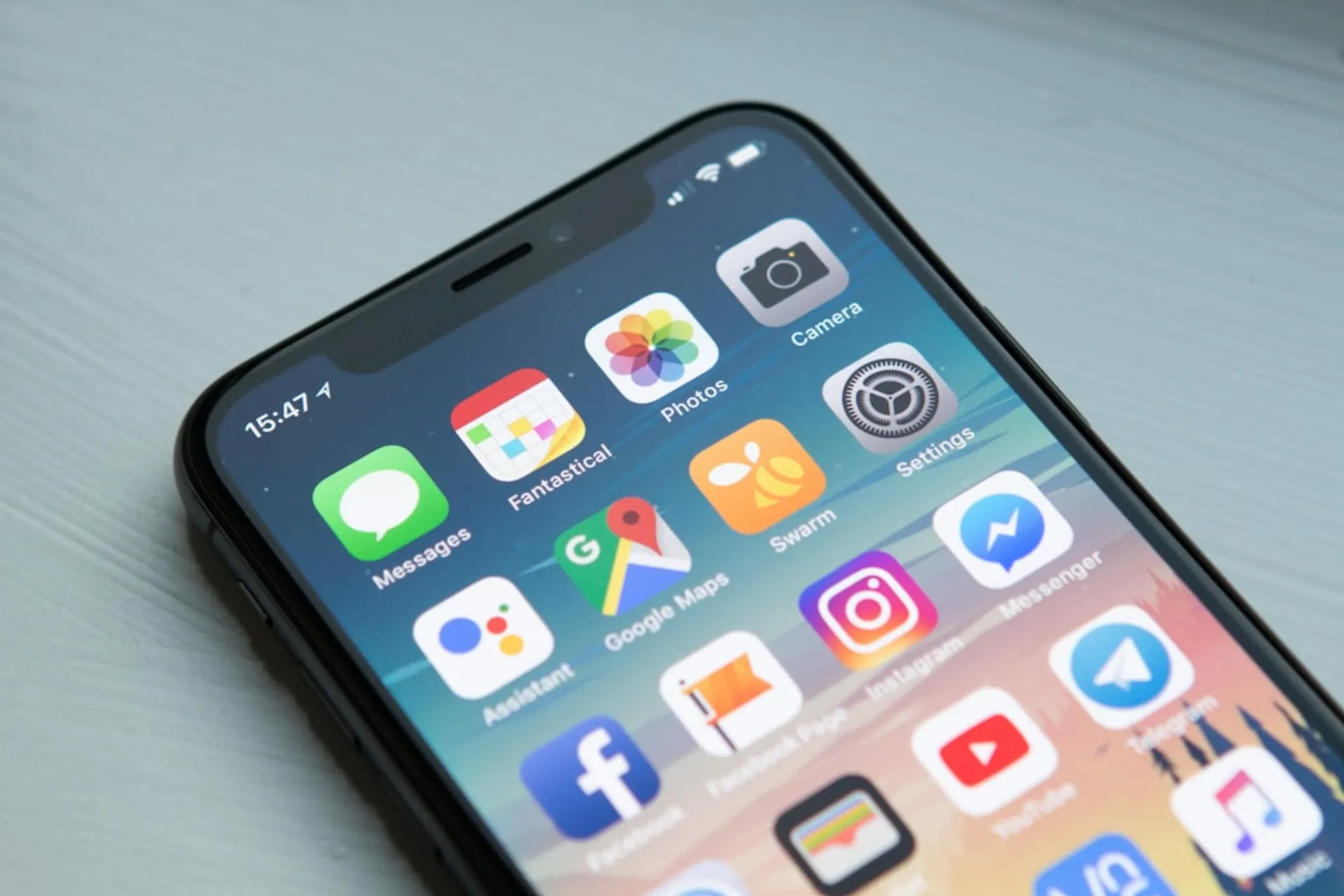
Mobile is where SaaS users increasingly live—checking dashboards between meetings, approving workflows during commutes, capturing data in the field. AI transforms the mobile SaaS experience from a stripped-down companion app into an intelligent assistant that leverages mobile-specific context: location awareness, camera access, voice input, push notification timing, and on-device processing.
4.9/5Verified rating
300+Clients served
23Products shipped
100+Case studies
Since 2015In production
58%
Reduction in inspection documentation time
93%
Real-time work order accuracy up from 64 percent
82%
Predictive parts recommendation accuracy
91%
Daily active usage rate among field technicians
We build AI-powered mobile apps for SaaS companies that deliver intelligent features optimized for mobile contexts, making the phone the most productive way to interact with your product.
AI mobile app development for SaaS companies addresses the unique opportunity that mobile platforms provide for intelligent product experiences. Mobile devices offer contextual signals that desktop applications cannot access—GPS location, accelerometer data, camera input, ambient light, Bluetooth proximity, and real-time notification delivery. AI features that leverage these signals create mobile experiences that are fundamentally more useful than simply shrinking the web interface to fit a smaller screen.
The mobile AI opportunity for SaaS products spans several categories. Contextual intelligence uses location and time data to surface relevant information proactively—showing nearby client accounts for a field sales app, or surfacing time-sensitive tasks based on calendar context. Visual AI uses the device camera for document scanning, product recognition, expense receipt capture, and visual search. Voice AI enables hands-free interaction for scenarios where typing is impractical—updating CRM records while driving, dictating notes during site inspections, or querying dashboards during commutes. Predictive features anticipate user needs based on usage patterns and trigger proactive notifications.
On-device AI processing is becoming increasingly important for mobile SaaS applications. Apple Core ML, Google ML Kit, and TensorFlow Lite enable AI inference directly on the device without network connectivity. This on-device capability is critical for field applications where connectivity is unreliable, for privacy-sensitive use cases where data should not leave the device, and for latency-sensitive features where network round-trips create unacceptable delays. The tradeoff between on-device and cloud-based AI depends on model complexity, privacy requirements, and connectivity assumptions.
The cross-platform development challenge for AI mobile apps involves balancing platform-specific AI capabilities with development efficiency. React Native and Flutter provide cross-platform efficiency but require native modules for platform-specific AI APIs. Native development in Swift and Kotlin provides full access to platform AI capabilities but doubles the development effort. The optimal approach depends on the complexity of platform-specific AI features and the team's mobile development expertise.
Mobile-specific UX design for AI features requires different patterns than web-based AI interfaces. Screen real estate is limited, so AI suggestions must be concise and actionable. Interaction patterns favor gestures and quick actions over form-filling. Notification-driven engagement requires careful timing to be helpful rather than intrusive. These mobile UX considerations significantly influence how AI features are designed and presented.
The SaaS Companies Market
The mobile SaaS market is growing as enterprise workers increasingly expect mobile access to their business tools. Field sales teams, service technicians, healthcare workers, construction managers, and logistics coordinators need mobile access to SaaS products during their daily work. AI features that make mobile interactions faster and more productive directly impact workforce effectiveness.
Apple and Google are investing heavily in on-device AI capabilities. Apple Intelligence, Core ML, and the Neural Engine provide sophisticated AI processing on iPhone and iPad. Google's ML Kit and on-device Gemini Nano enable AI features on Android devices. SaaS companies that leverage these platform capabilities can deliver AI features with zero inference cost for on-device processing, transforming the economics of AI-powered mobile features.
Mobile-first AI features are becoming competitive differentiators in SaaS categories where field usage is common. CRM products with AI-powered business card scanning and meeting note capture win over competitors without mobile AI. Field service platforms with visual inspection AI and voice-driven work order updates outperform clipboard-and-keyboard alternatives. Construction management tools with AI photo documentation and safety compliance scanning create value that desktop-only products cannot match.
The push notification channel creates unique opportunities for AI-driven engagement that web applications cannot replicate. Predictive models that determine the optimal time, content, and urgency for notifications can significantly improve user engagement and task completion rates. AI that surfaces the right information at the right moment through push notifications transforms the mobile app from a tool users open to a proactive assistant that comes to them.
How We Deliver AI-First Mobile App Development for SaaS Companies
Our AI mobile app development approach begins with mobile use case analysis—identifying the scenarios where mobile AI creates unique value that the web application cannot deliver. We evaluate each potential AI feature against mobile-specific criteria: does it leverage mobile context like location or camera, does it serve a mobile-primary use case like field work or commuting, and does it benefit from push notification delivery.
Architecture design determines the AI processing split between on-device and cloud processing. On-device AI handles latency-sensitive features, offline-capable features, and privacy-sensitive processing. Cloud AI handles complex reasoning, large model inference, and features requiring access to the full product database. A hybrid architecture routes each AI request to the appropriate processing location based on task requirements and connectivity status.
Cross-platform development with AI integration uses React Native or Flutter as the base framework with native modules for platform-specific AI capabilities. Camera-based AI features use platform vision APIs for real-time processing. Voice features integrate with platform speech recognition and synthesis. Push notification AI uses server-side models with platform notification delivery. This approach maximizes development efficiency while accessing the full range of platform AI capabilities.
Performance optimization is critical for mobile AI features. Model size optimization through quantization and pruning reduces on-device model footprint and inference time. Battery impact minimization ensures AI processing does not drain the device battery excessively. Memory management prevents AI features from causing app crashes on memory-constrained devices. These mobile-specific optimizations are essential for production quality.
Ready to discuss your AI-first mobile app development project?
Free consultation — no commitment required.
Case StudyField Service Management SaaS
Building an AI-Powered Mobile App for a Field Service Management SaaS
The Challenge
A field service management SaaS platform with 1,800 customers needed a mobile app that went beyond basic work order viewing. Field technicians needed AI capabilities that made them more productive on-site: visual inspection documentation with AI-powered defect detection, voice-driven work order updates for hands-free operation, predictive parts recommendations based on equipment type and symptom description, and offline AI processing for sites without reliable connectivity. The existing mobile app was a responsive web wrapper that provided no mobile-specific AI features.
Our Solution
We built a native mobile app with four AI-powered features: a visual inspection system using on-device computer vision that detected and classified equipment defects from camera photos, annotating images with identified issues and severity ratings; a voice assistant that allowed technicians to update work order status, add notes, and log parts usage through natural conversation; a predictive parts engine that suggested likely needed parts based on the equipment model, reported symptoms, and historical repair data; and an offline AI mode that cached essential models and data for sites without connectivity, syncing results when connectivity resumed. The app was built with React Native and native modules for platform-specific AI APIs.
The Results
Inspection documentation time decreased by 58 percent as AI-assisted photo annotation replaced manual report writing. Voice-driven updates increased real-time work order accuracy from 64 percent to 93 percent as technicians updated status immediately rather than batching updates at end of day. Predictive parts recommendations achieved 82 percent accuracy, reducing return trips for forgotten parts by 34 percent. Offline AI functionality enabled productive work at 100 percent of customer sites regardless of connectivity. The mobile app became the primary product interface for field technicians, with 91 percent daily active usage.
AI-First Mobile App Development Capabilities for SaaS Companies
- ✓On-Device ML
CoreML (iOS) and TensorFlow Lite (Android) integration for real-time inference — image recognition, object detection, pose estimation, and text recognition without network latency.
- ✓Voice AI Integration
Voice commands, speech-to-text, text-to-speech, and conversational interfaces powered by on-device models or cloud APIs like Whisper.
- ✓Camera AI Features
Real-time camera processing — object detection, barcode scanning, document capture, face recognition, and augmented reality overlays.
- ✓Personalization Engine
User behavior analysis, content recommendations, adaptive UI, and personalized experiences that improve with usage — powered by on-device and cloud ML.
- ✓Edge-Cloud Hybrid
Intelligent architecture that processes simple tasks on-device for speed and privacy, while routing complex requests to cloud models for accuracy.
- ✓Cross-Platform AI
React Native and Flutter apps with shared AI logic across iOS and Android, reducing development time while maintaining platform-native ML capabilities.
AI-First Mobile App Development Landscape for SaaS Companies
The AI mobile app development landscape includes cross-platform frameworks like React Native and Flutter that provide base mobile development capabilities, mobile AI platforms from Apple and Google that provide on-device AI APIs, mobile-focused AI SDKs like Fritz AI and Roboflow Mobile that simplify AI integration, and custom development firms that build bespoke AI mobile applications.
Cross-platform frameworks provide development efficiency but require native bridging for advanced AI features. The choice between React Native and Flutter depends on team expertise and the extent of platform-specific AI integration needed. Both frameworks support native module development for accessing platform AI APIs.
Platform AI APIs from Apple Core ML and Google ML Kit provide high-performance on-device inference with zero marginal cost. These APIs are optimized for their respective hardware and provide capabilities including image classification, object detection, text recognition, face detection, and natural language processing. Leveraging platform APIs maximizes performance while minimizing development effort for standard AI tasks.
Custom mobile AI development provides the integration depth and feature sophistication that SaaS products need. Custom solutions combine platform AI capabilities with product-specific models, cloud AI integration, and the UX design that makes AI features feel native to the mobile product experience.
App store optimization for AI-powered features requires careful consideration of review guidelines. Both Apple and Google have specific policies about AI-generated content, on-device data processing, and privacy disclosures that affect how AI features are presented in app store listings and implemented within the application. Understanding these policies prevents rejection delays and ensures compliance with evolving platform requirements.
Battery and resource management is a practical concern that separates production AI mobile apps from demos. On-device AI inference consumes significant CPU and GPU resources, impacting battery life and device temperature. Production AI mobile features must be designed with power budgets in mind—batching inference requests, using efficient model architectures, and providing users with control over AI feature intensity to balance capability with battery life.
AI-First Mobile App Development Pricing for SaaS Companies
AI mobile app development for SaaS products typically ranges from $60,000 to $200,000 depending on platform coverage and AI feature complexity. A single-platform AI mobile app with basic AI features like document scanning and voice input starts at $60,000 to $90,000. Cross-platform AI mobile apps with on-device and cloud AI processing, offline capabilities, and push notification intelligence range from $100,000 to $150,000. Enterprise AI mobile platforms with advanced visual AI, voice assistants, predictive features, and comprehensive offline AI range from $150,000 to $200,000. Ongoing costs include app store maintenance, cloud AI inference, and model updates—typically $3,000 to $10,000 per month.
Frequently Asked Questions
Common questions about AI-first mobile app development for saas companies
Cross-platform using React Native or Flutter is recommended for most SaaS mobile apps, with native modules for platform-specific AI features. This approach provides 70 to 80 percent code sharing between platforms while accessing the full range of AI capabilities. Pure native development is justified only when the AI features require deep platform integration that native modules cannot adequately support, which is increasingly rare as bridging tools improve.
Ready for AI-First Mobile App Development Built for
SaaS Companies?
Our team has deep expertise in saas companies technology. Get a free consultation.
500+
Projects Delivered
4.9/5
Client Rating
90%
Repeat Clients