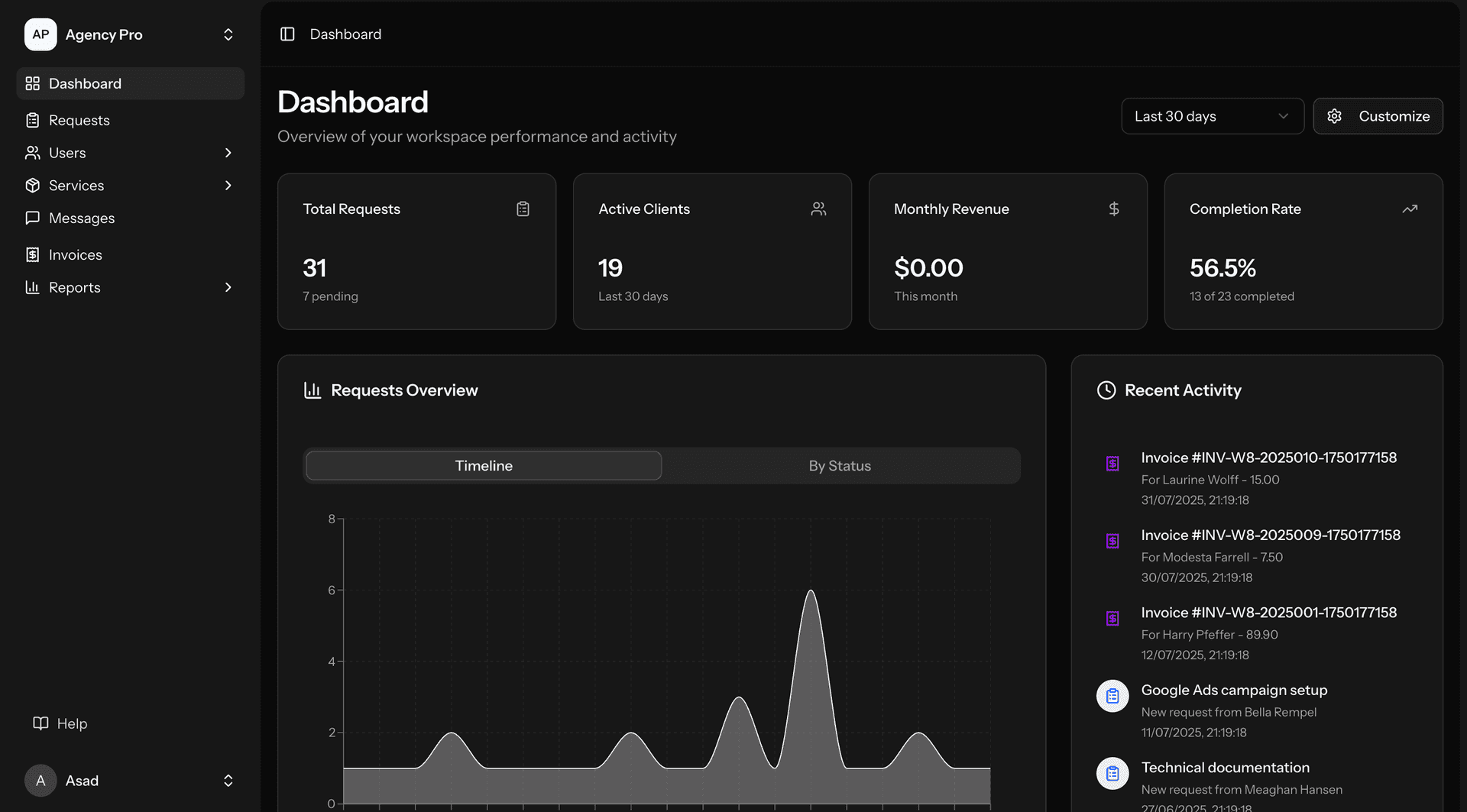
ZTABS builds custom enterprise software for law firms that need systems tailored to the specific operational requirements of legal practice. We build practice management platforms, case lifecycle systems, document automation, legal billing with trust accounting, and client portals.
The global legal technology market reached $33.97 billion in 2025 and is projected to grow to $36.72 billion in 2026 (Fortune Business Insights). Law firms are the largest end-user segment, holding 56.43% of market share. U.S. law firm technology spending rose 9.7% in 2025, seven percentage points above core inflation and the fastest real growth likely ever recorded in the legal industry (Thomson Reuters/Georgetown 2026 Report on the State of the US Legal Market). Knowledge management tool spending grew 10.5% in the same year, and firms with a formal AI strategy are 3.9 times more likely to experience critical benefits than those without one.
Law firms have software requirements that generic business tools cannot address. Legal work is organized by client matter (not by project or department), trust accounting is regulated by bar associations, deadlines are court-imposed with malpractice consequences for missing them, and conflict checking must query the firm's entire history before accepting new work. Our broader capabilities are on the enterprise software development page.
Legal enterprise software at a glance
| System | What it does | Why law firms need it custom |
|---|
| Practice management | Unifies matters, calendars, tasks, documents, billing | Everything must be matter-centric; off-the-shelf tools often bolt this on |
| Case management | Tracks case phases, deadlines, discovery, trial prep | Practice-area-specific workflows (PI, family law, corporate transactions) |
| Document automation | Generates contracts, pleadings, correspondence from templates | Clause libraries, conditional logic, client data population |
| Billing and trust accounting | Time tracking, invoicing, IOLTA compliance | Bar rules vary by state; violations risk discipline |
| Client portal | Secure access to case status, documents, invoices | Attorney-client privilege considerations in access control |
| Conflict checking | Screens new matters against firm history | Must query every client, opposing party, and related entity |
Why law firms outgrow off-the-shelf tools
Off-the-shelf legal practice management tools (Clio, PracticePanther, MyCase) work well for small firms with straightforward workflows. Firms outgrow them when:
The firm's matter workflows differ significantly by practice area. A personal injury case progresses through intake, investigation, demand, negotiation, litigation and settlement. A corporate transaction moves through due diligence, drafting, negotiation and closing. A family law matter involves petition, discovery, mediation, trial and post-decree. Each practice area needs its own workflow with its own stages, deadlines, templates and checklists. Generic tools force all practice areas into one workflow.
The firm needs custom integrations. Court e-filing systems are state-specific. Document management may be NetDocuments or iManage. E-discovery may be Relativity. Accounting may be QuickBooks, Sage or a custom general ledger. When these systems do not integrate cleanly, staff spend hours on data entry and reconciliation.
Trust accounting rules are jurisdiction-specific. The ABA Model Rules of Professional Conduct (Rule 1.15) provide the baseline, but each state bar adds its own requirements for separate accounts, interest handling (IOLTA), record keeping and reconciliation. Off-the-shelf tools may not support the specific rules of every state where the firm practices.
The firm needs analytics that span systems. Partner compensation, matter profitability, attorney productivity and client revenue trends require data aggregated across billing, timekeeping and matter management. Off-the-shelf tools often silo this data.
What we build for law firms
Practice management platforms
The core system that attorneys and staff use daily. We build matter-centric platforms where every record (time entry, document, email, task, expense) is associated with a client matter. Key features: matter intake with conflict checking, attorney calendaring with deadline alerts, task assignment and tracking, document management with version control and privilege classification, and dashboards showing matter status across the firm.
Case lifecycle management
Practice-area-specific workflow management. For litigation: case phase tracking (pleadings, discovery, motions, trial), deadline calculation (statute of limitations, response deadlines, discovery cutoffs), and task generation (deadlines automatically create tasks for responsible attorneys). For corporate transactions: deal room management, closing checklists, signature tracking and post-closing obligation monitoring.
Document automation
Template-based document generation with intelligent logic. Attorneys select a template (engagement letter, contract, pleading, correspondence), answer a series of questions, and the system generates a near-final document populated with client data, matter details and appropriate clauses. For contract work, the system includes a clause library where attorneys can swap in alternative provisions based on deal terms.
Legal billing and trust accounting
Time tracking integrated into the matter management workflow (desktop timer, mobile entry, email-to-time conversion). Invoice generation with matter-level billing guidelines (cap amounts, billing descriptions, approved task codes). Trust accounting with bar-compliant controls: separate tracking per client matter, interest allocation, disbursement authorization workflows, three-way reconciliation (bank statement, trust ledger, client ledger), and complete audit trails.
Client portals
Secure web interfaces where clients can view case status, access shared documents, communicate with their attorney, review invoices and make payments. Access controls must respect attorney-client privilege: documents marked as privileged are never shared to the portal without explicit attorney authorization.
Planning a practice management build?
Tell us your practice areas, current systems, and where the bottlenecks are. We will reply with a proposed architecture and cost estimate.
How delivery works
- Discovery, 3 to 4 weeks. Map practice area workflows, billing rules, trust accounting requirements, existing system integrations and conflict checking rules.
- Architecture, 2 to 3 weeks. Data model design (matter-centric), integration plan, security architecture, deployment approach.
- Build in two-week sprints. Each sprint delivers a working increment. We typically start with matter management and time entry, then add billing, document management and practice-specific workflows.
- Data migration. Migrating from Clio, PCLaw, Tabs3 or another system requires careful mapping of matters, contacts, time entries and documents.
- Training and rollout. We train power users who then train their teams. Rollout is practice-area by practice-area, not firm-wide on day one.
Our stack is typically Next.js with React for the application, PostgreSQL for data, Node.js for the API layer, and AWS or Azure for hosting with encryption at rest and in transit.
Illustrative Example
A practice management platform for a mid-size litigation firm
Situation. A hypothetical 40-attorney litigation firm uses a combination of Clio for matter management, QuickBooks for billing, NetDocuments for document storage, and spreadsheets for deadline tracking. Staff spend significant time reconciling data across systems, and attorneys miss deadline alerts because they are buried in email.
How we would approach it. We would build a unified platform with matter-centric data: all time entries, documents, deadlines and billing records attached to a single matter record. Deadline calculation would be automated based on practice area rules (e.g., 30-day answer deadline from service date in federal court). The system would integrate with NetDocuments for storage, generate invoices in QuickBooks format, and provide a dashboard showing every attorney's upcoming deadlines across all active matters.
What we would measure. Time spent on data reconciliation, number of deadline near-misses, billing cycle time (matter close to invoice sent), and user adoption rate by attorney.
This is a hypothetical scenario for illustration. Actual scope, timeline and cost depend on your requirements.
See how this applies to your firm?
Share your practice areas and current tech stack. We will map a matter-centric architecture to your workflows.
Cost and timeline
Costs depend on the number of practice areas, integrations, and the complexity of billing and trust accounting rules. These ranges come from our enterprise software development cost guide.
| Build | Typical cost | Typical timeline |
|---|
| Single-module tool (document automation or time tracking) | $50K to $120K | 8 to 14 weeks |
| Practice management platform (matters, billing, documents) | $120K to $300K | 16 to 28 weeks |
| Enterprise system (full lifecycle, multi-practice, analytics) | $300K to $500K | 24 to 40 weeks |
| Mission-critical platform (multi-office, trust accounting, portal) | $500K+ | 32 to 52 weeks |
Data migration from an existing system adds 2 to 6 weeks depending on data volume and the source system's export capabilities.
Budget looks right?
Tell us the number of practice areas, integrations you need, and your current billing setup. We will provide a fixed-scope estimate within 48 hours.
Choosing a legal software development partner
| Option | Good for | Tradeoff |
|---|
| ZTABS (remote-first) | Custom legal software with matter-centric architecture | Remote-first by design |
| Legal-specific SaaS (Clio, PracticePanther) | Small firms with standard workflows | Limited customization, may not handle multi-practice complexity |
| Large legal tech vendor (Thomson Reuters, LexisNexis) | Enterprise firms wanting integrated product suites | Expensive licensing, long implementation, vendor lock-in |
| System integrator | Connecting existing tools with middleware | Does not build the core application, adds integration complexity |
| General software agency | Custom builds for non-legal businesses | May lack legal domain knowledge (trust accounting, conflict checking) |
Ask each vendor to describe how they handle trust accounting reconciliation, how deadline calculation works for your specific practice areas, and whether the system supports conflict checking across the firm's entire matter history.
When ZTABS is not the right fit
- You are a small firm and Clio handles your needs. If an off-the-shelf tool works for your practice, custom development is unnecessary overhead.
- You need e-discovery software. E-discovery (Relativity, Logikcull) is a specialized domain. We integrate with e-discovery platforms but do not build them.
- You need legal AI (contract analysis, legal research). That is a different engagement. See our AI development for legal services.
- You want to replace your accounting system. We build legal billing that exports to your accounting system, but we do not build general ledger software.
- Your firm has fewer than 10 attorneys. At that size, the cost of custom software is hard to justify over an off-the-shelf tool.
Risks that delay legal software projects
The same problems recur across law firm software engagements. Each is avoidable if planned for early.
- Trust accounting rules discovered late. Every state bar has different requirements for IOLTA accounts, interest handling, reconciliation frequency and record retention. If the development team discovers a new jurisdictional requirement mid-build, it can trigger redesign of the accounting module. We map trust accounting rules for every jurisdiction where the firm practices during discovery, before any code is written.
- Data migration underestimated. Migrating from Clio, PCLaw, Tabs3 or another system involves more than moving records. Matter numbering conventions differ, contact relationships are structured differently, and time entry formats vary. Historical billing data needs to be preserved for audit purposes even if the new system uses a different invoicing model. We budget 2 to 6 weeks specifically for migration and run parallel systems during the transition.
- Attorney adoption resistance. Attorneys are creatures of habit. A new system that changes how they enter time, access documents or check conflicts will face resistance regardless of how much better it is. We design the interface to match existing mental models wherever possible and roll out practice-area by practice-area so we can address adoption issues in smaller groups before firm-wide launch.
- Conflict checking scope creep. A basic conflict check queries the firm's client and matter history. A thorough one queries opposing parties, related entities, corporate affiliations, former clients and lateral hire conflicts. The scope of conflict checking directly affects the data model and search complexity. We define the conflict rules during discovery and build a configurable engine so rules can be expanded without code changes.
- Integration with court e-filing systems. State e-filing systems have different APIs, authentication methods and document format requirements. A system that works with the New York NYSCEF may not integrate with the Texas eFileTexas system without separate development. We scope each state's e-filing integration individually rather than assuming one integration covers all jurisdictions.
- Underestimating reporting requirements for managing partners. Managing partners and CFOs need financial dashboards that go beyond simple revenue reports: realization rates by practice area, client profitability analysis, attorney utilization trends, aged receivables with collection probability, and origination credit tracking. If reporting is treated as an afterthought, firms end up exporting data to Excel for manual analysis, which defeats the purpose of a custom system. We design the reporting layer during discovery based on the specific KPIs the firm's leadership tracks.
Questions to ask any legal software development team
- Have you built a system that handles trust accounting across multiple jurisdictions? Trust accounting rules vary by state bar. If the vendor's experience is limited to one jurisdiction, they may underestimate the complexity of multi-state compliance. Ask for specific examples of how they handle IOLTA reconciliation differences between states.
- How do you approach data migration from our current system? The answer should include specific mention of matter numbering conventions, contact relationship mapping, historical billing preservation, and parallel system operation during transition. Generic answers like "we export and import" indicate inexperience with legal data complexity.
- What is your approach to attorney-facing UX? Attorneys are not software engineers. The system must match their existing mental models for time entry, document access, and conflict checking. Ask whether the vendor conducts user testing with actual attorneys during development, not just after launch.
- How do you handle conflict of interest checking logic? Look for answers that address corporate affiliations, opposing parties, former clients, lateral hire conflicts, and configurable conflict rules. A vendor that only mentions name matching does not understand the complexity.
- Can the system generate reports for managing partners without manual data export? Ask specifically about realization rates, client profitability, attorney utilization, aged receivables, and origination credit. If any of these require spreadsheet workarounds, the reporting layer is incomplete.
Ready to scope your legal software project?
Describe your practice areas, current systems, and the specific problems you want to solve. We will reply with a proposed architecture, scope and cost estimate.