Developer Tools / Design
Beveled — Make Your Screenshots Better
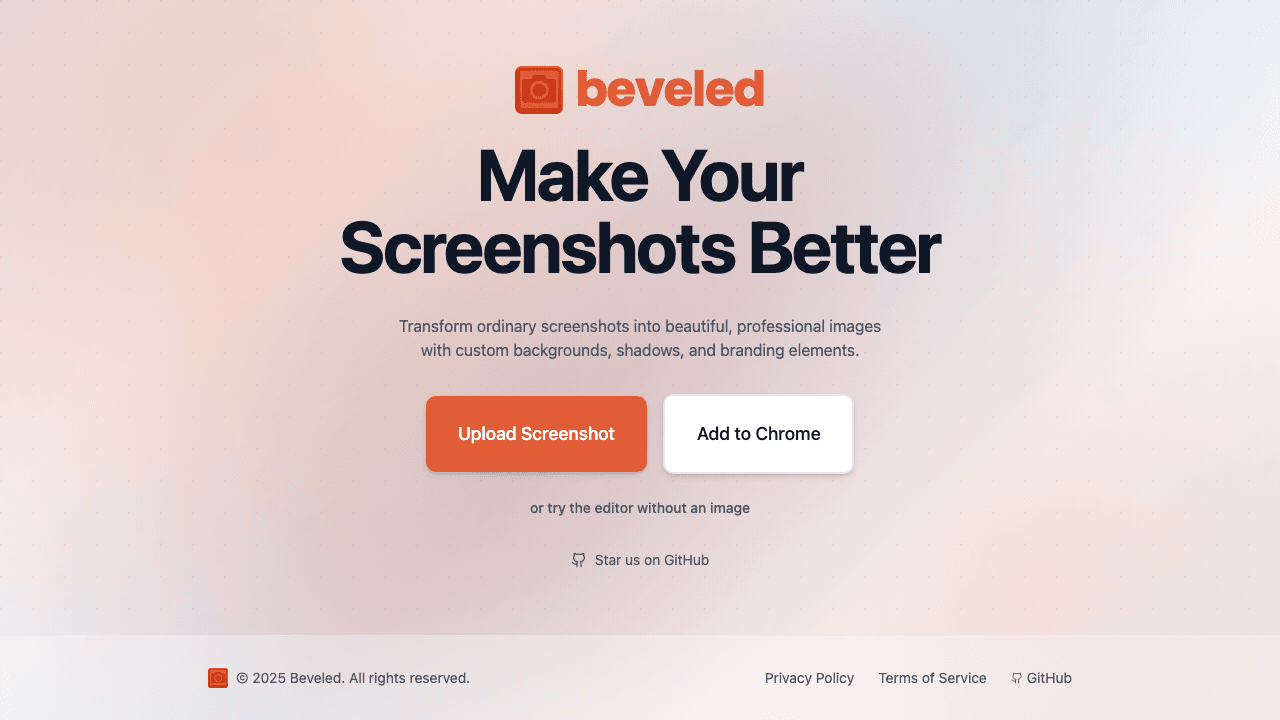
Transform ordinary screenshots into beautiful, professional images with custom backgrounds, shadows, and branding elements.
Open Source
GitHub
Chrome
Extension
The Problem Beveled Solves
Screenshots look plain and unprofessional. Beveled transforms them into polished images with custom backgrounds, shadows, and branding — perfect for docs, social media, and presentations.
How Beveled Works
Beveled is a screenshot beautifier built by ZTABS — not a 3D mockup generator. Transform ordinary screenshots into polished, professional images with custom backgrounds, gradients, shadows, padding, and branding elements. Designed for developers documenting code, designers sharing UI work, marketers creating social content, and anyone who needs screenshots that look presentable.
Simple and focused: paste or upload your screenshot, choose a style, and export. Available as a web app and Chrome extension for one-click beautification. Completely open source on GitHub (github.com/iambilalazhar/beveled) — inspect the code, fork it, or contribute.
Beveled Key Benefits
Beautiful Screenshots
Custom backgrounds, shadows, and branding elements turn plain screenshots into professional images.
Chrome Extension
Quick access from your browser. Beautify screenshots without leaving your workflow.
Open Source
Available on GitHub. Simple, focused tool. No bloat.
Easy to Use
Very simple tool — transform screenshots in seconds.
Beveled Features
Custom Backgrounds
Shadows
Branding Elements
Chrome Extension
Beveled — Real-World Gotchas
Operational pitfalls we see in products shaped like this. Worth planning for up front.
Canvas color profiles drift between browsers
Chrome, Safari, and Firefox render Canvas colors slightly differently. A gradient that looks perfect in Chrome can band slightly in Safari. Preview in the target browser before shipping.
High-DPI exports balloon in size
Exporting at 2-3x retina for a crisp blog image can produce 3-8 MB PNGs. Run the export through a compressor (TinyPNG/Squoosh) before uploading to a docs site.
Self-hosting the OSS repo needs your own auth + hosting
The GitHub code is usable but ships without account, billing, or storage layers. A fork expecting a drop-in SaaS will hit gaps — treat the repo as a starting point, not a product.
Beveled Tech Stack
Beveled is built with a modern, production-proven technology stack chosen for performance, scalability, and developer productivity.
JavaScriptChrome ExtensionCanvas APIHTML/CSS
Related Services
Need something similar? We offer these services to help you build your own product.
Related Articles
Dive deeper into the technologies, strategies, and insights behind Beveled.
More Products by ZTABS
Agiled
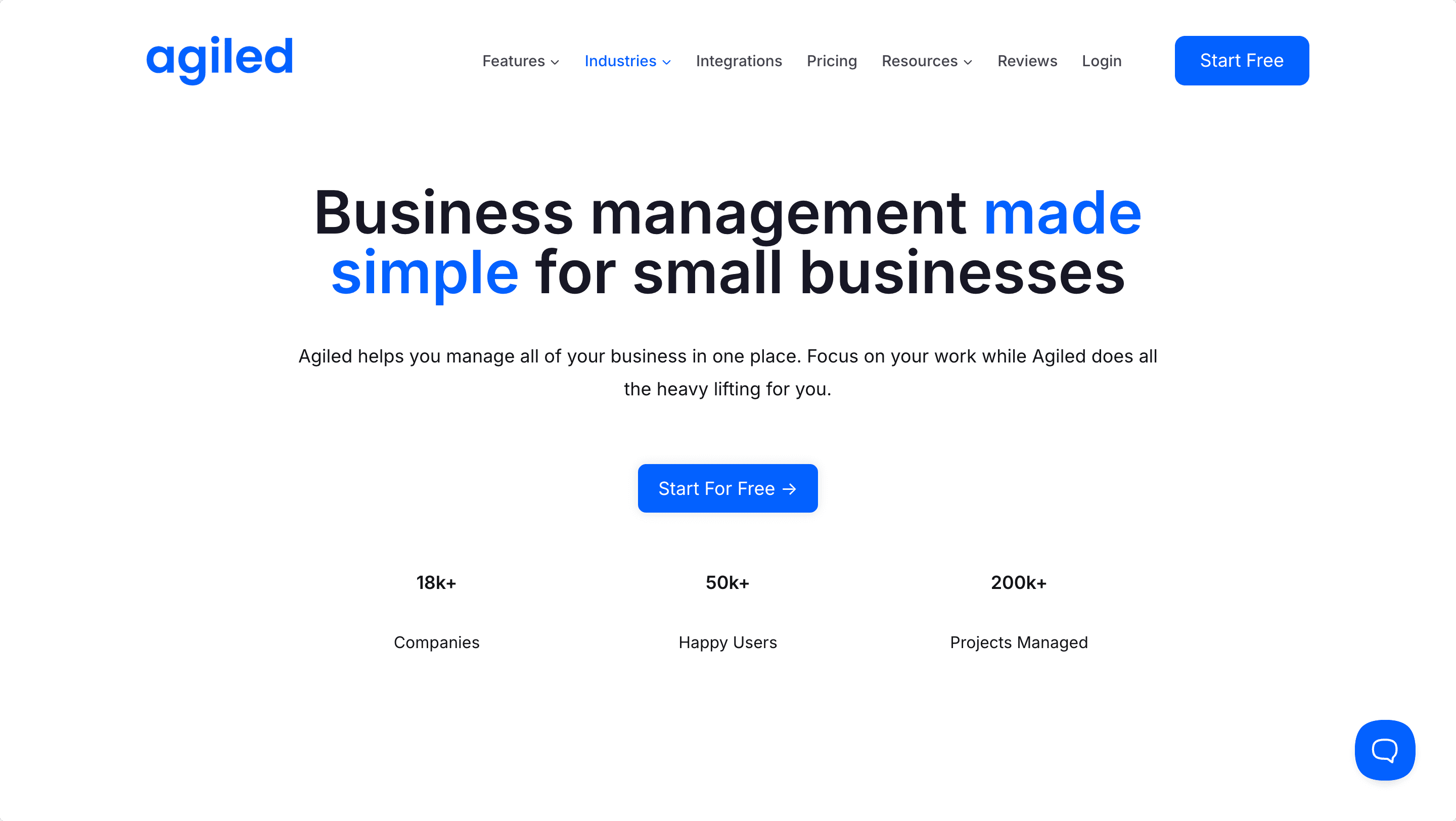
All-in-One Business Management Platform
Learn more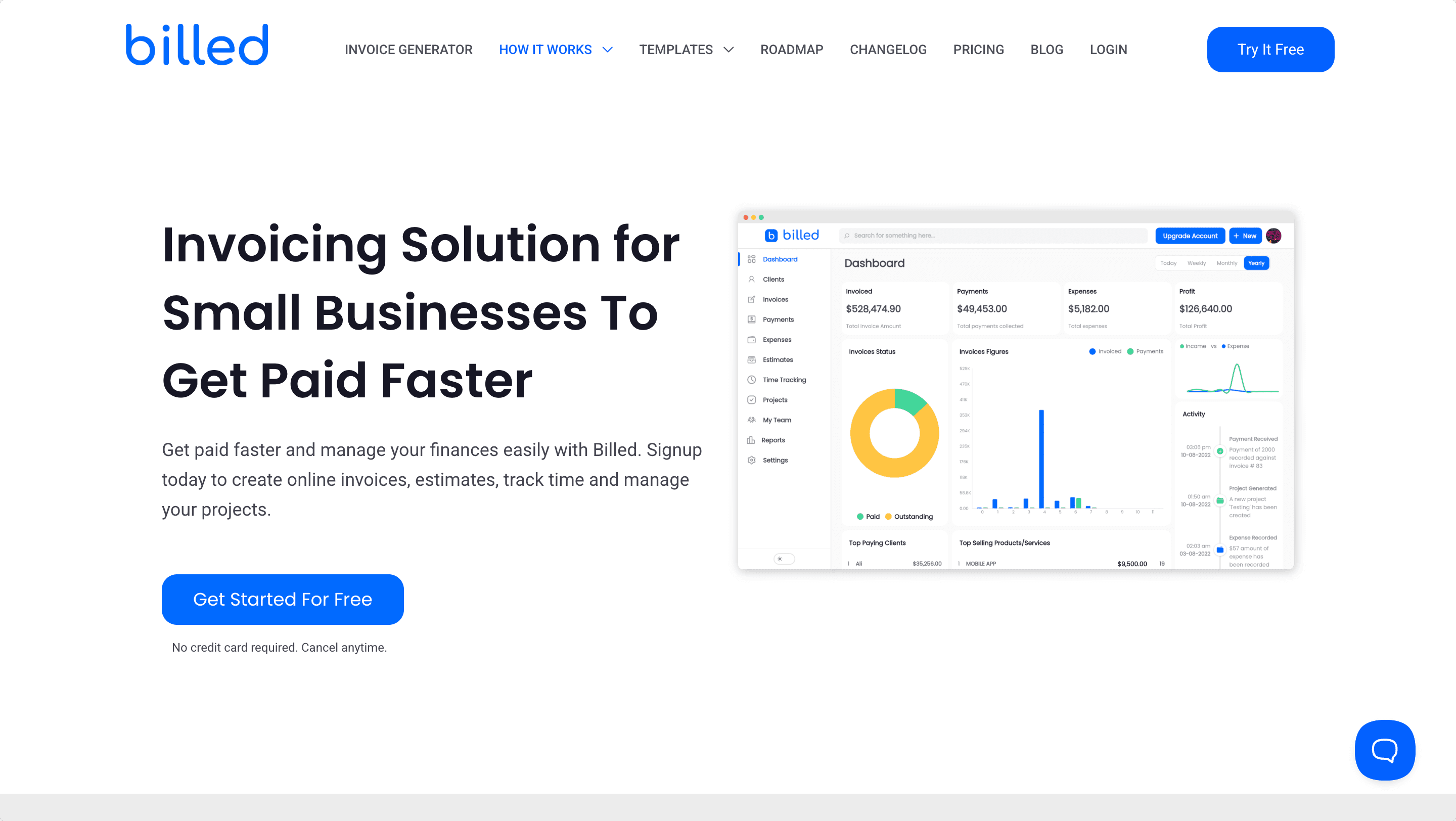
Billed
Smart Invoicing & Billing Automation
Learn more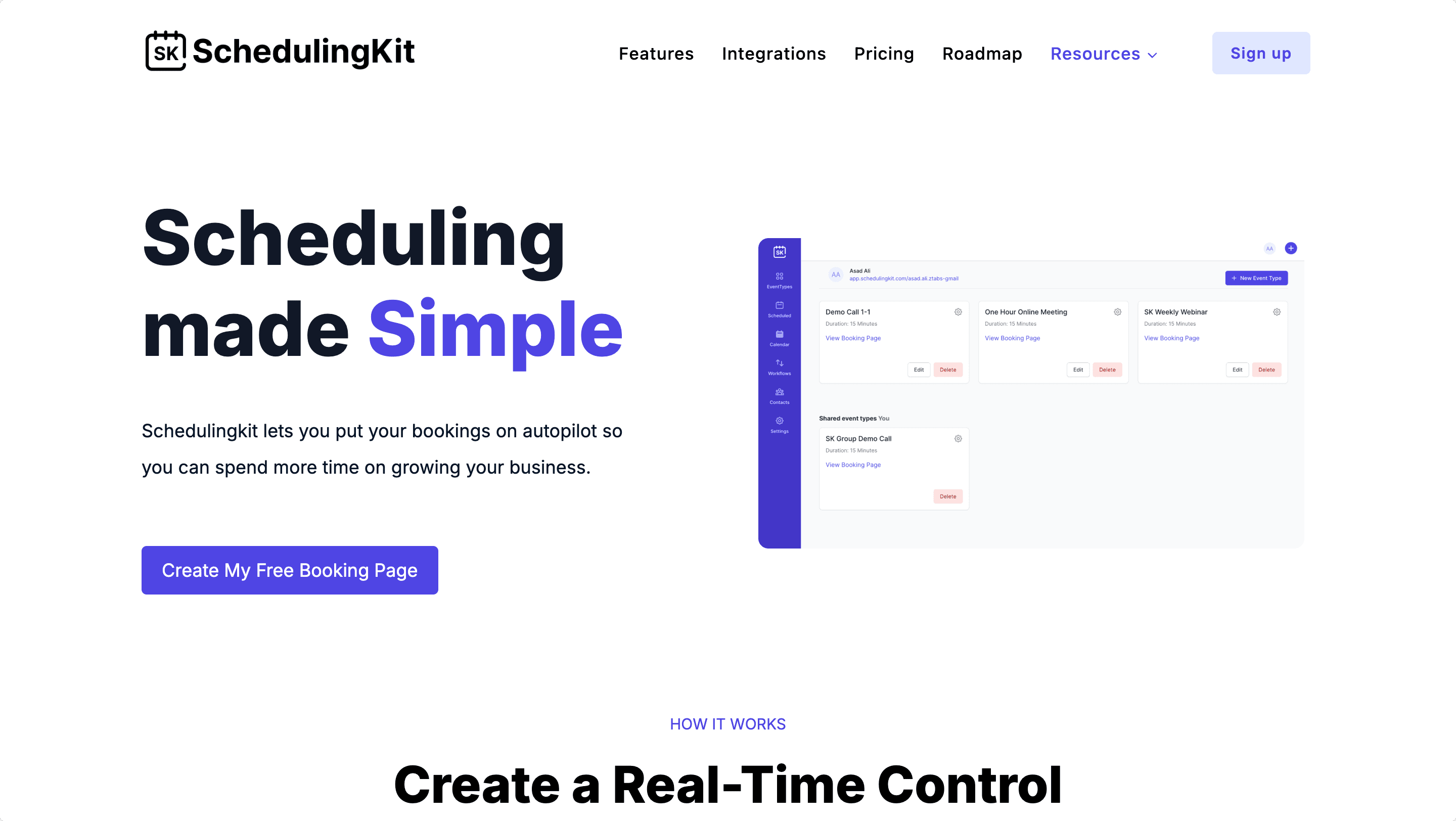
SchedulingKit
Advanced Appointment Scheduling & Booking
Learn more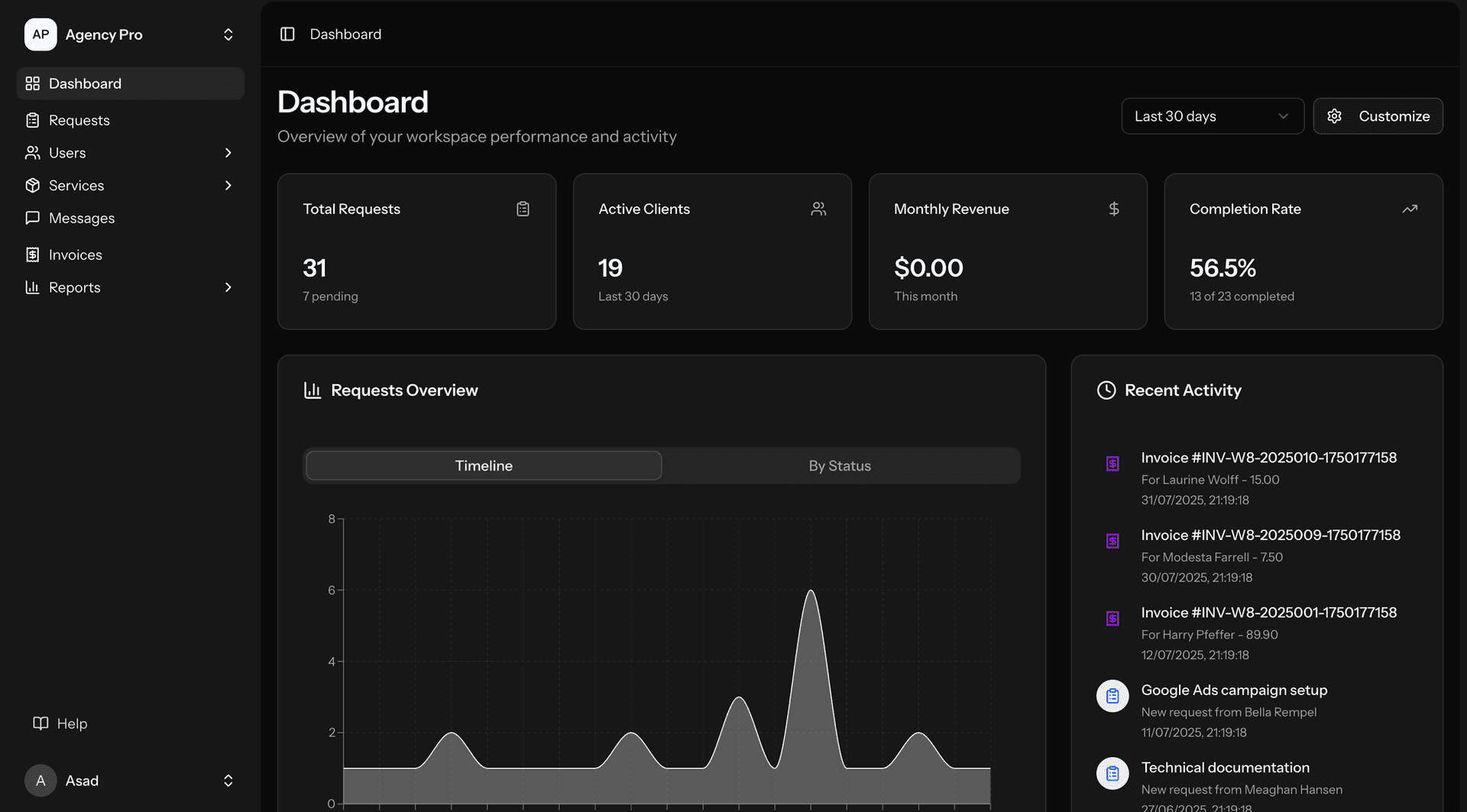
AgencyPro
Client Portal Software. Designed for Agencies.
Learn more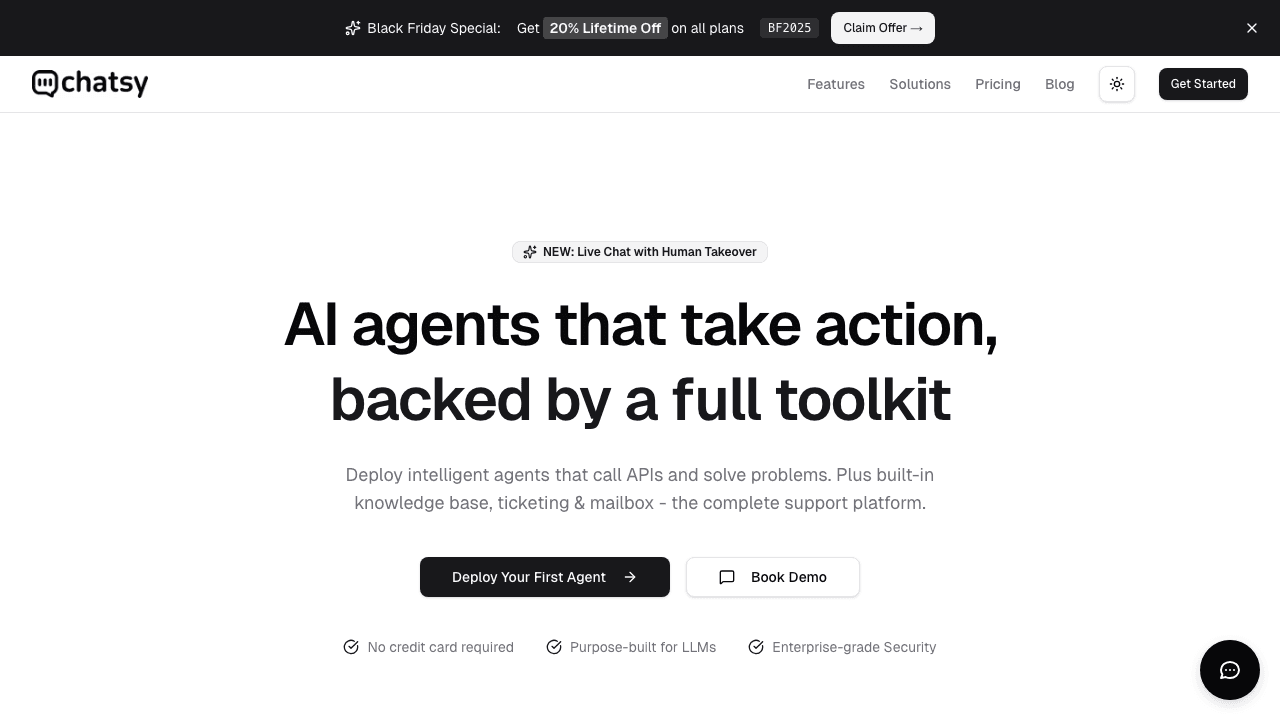
Chatsy
AI agents that take action, backed by a full toolkit
Learn more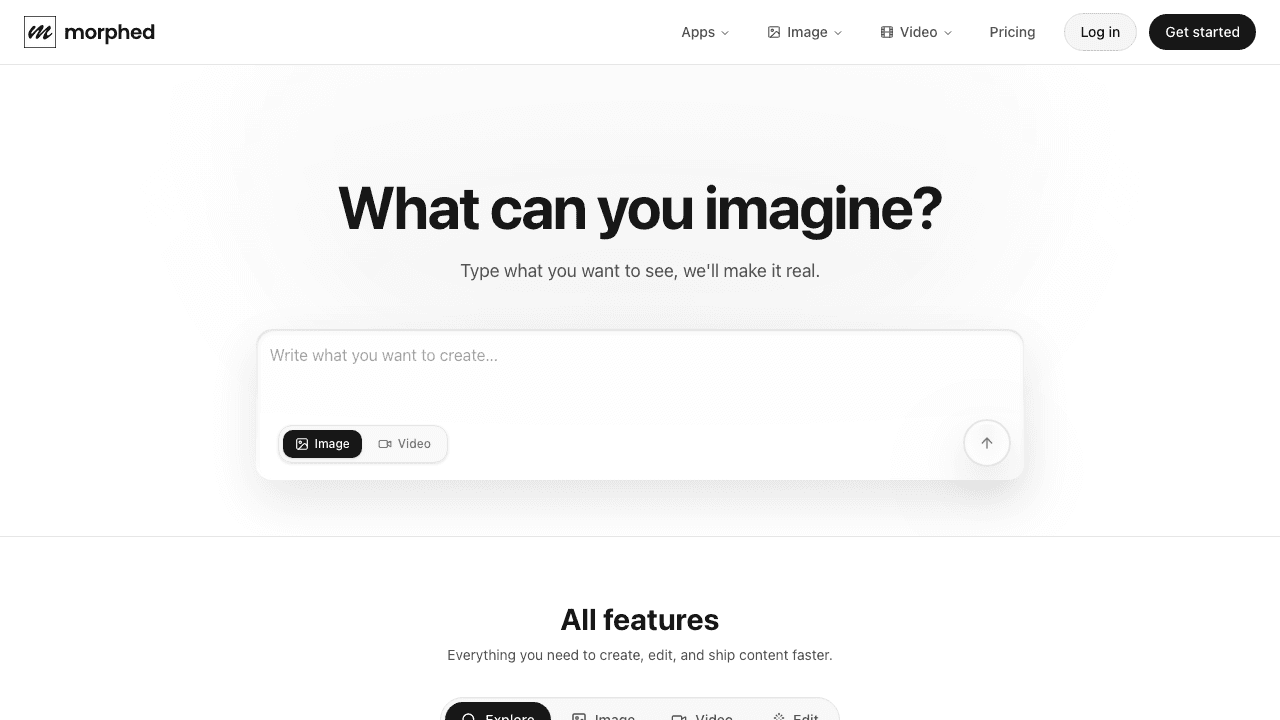
Morphed
What can you imagine?
Learn more
EMRG
Build Your AI-Powered Sales Team
Learn more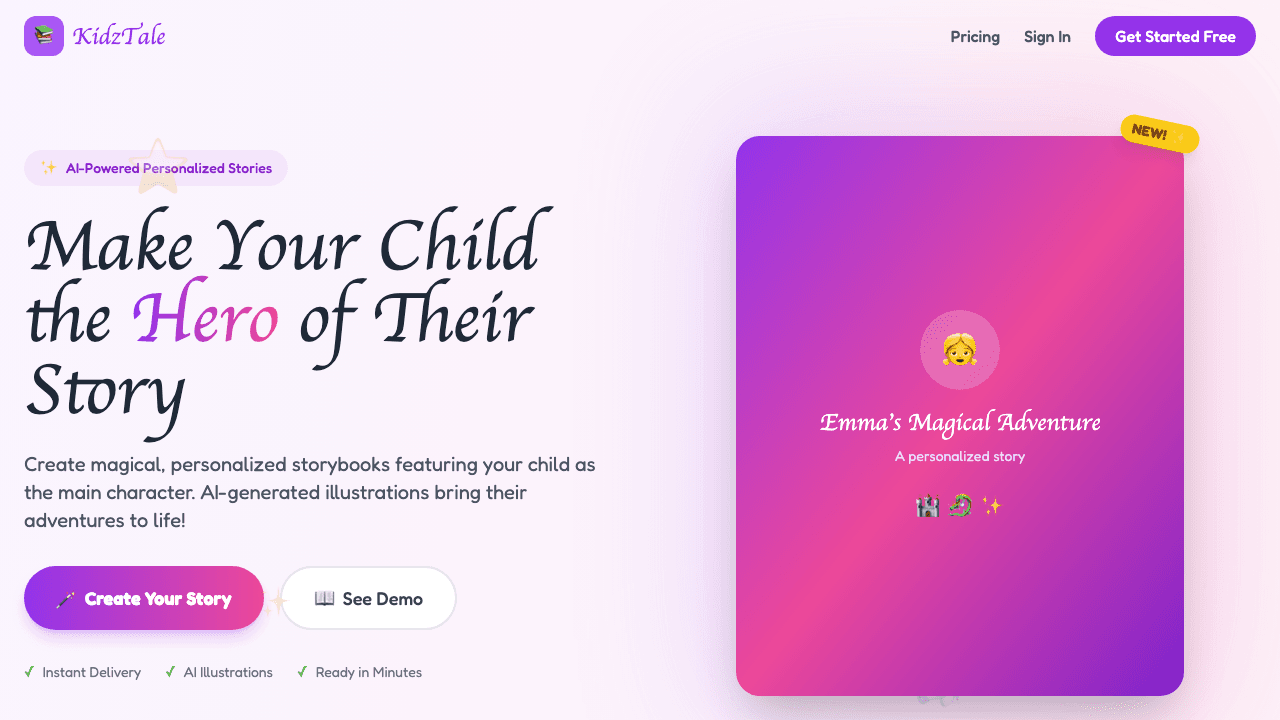
KidzTale
Make Your Child the Hero of Their Story
Learn more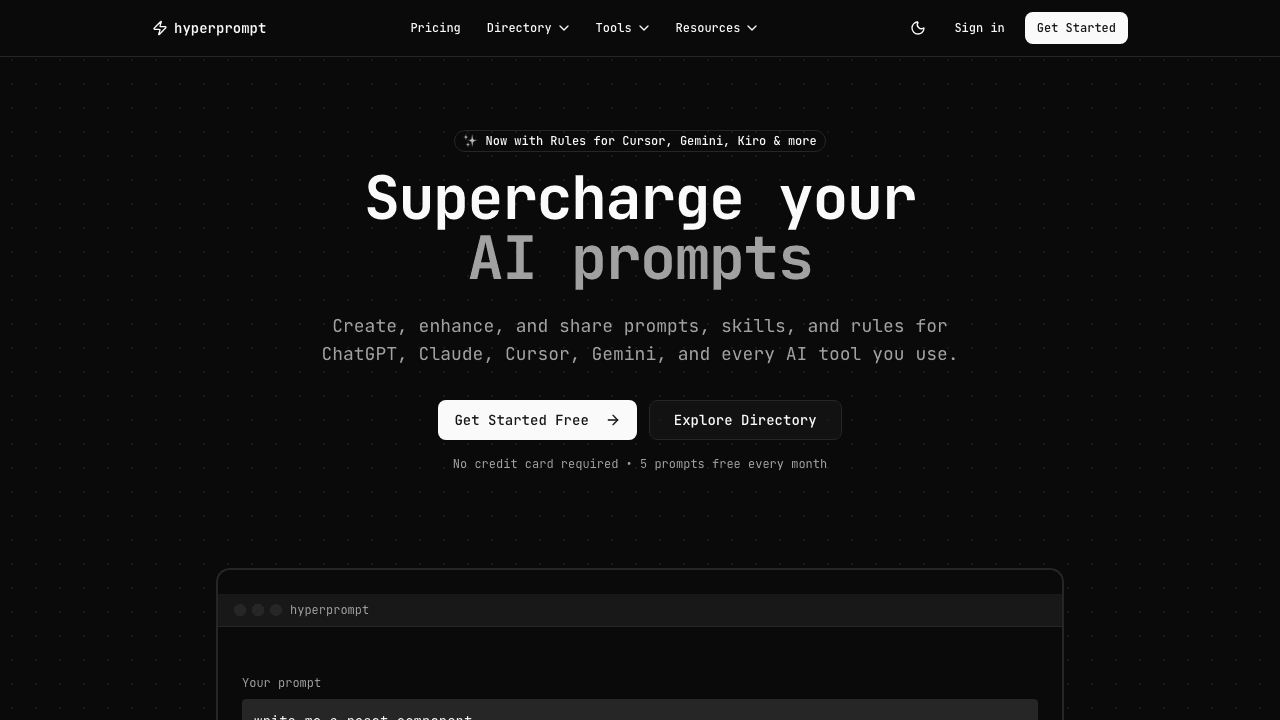
HyperPrompt AI
Supercharge your AI prompts
Learn more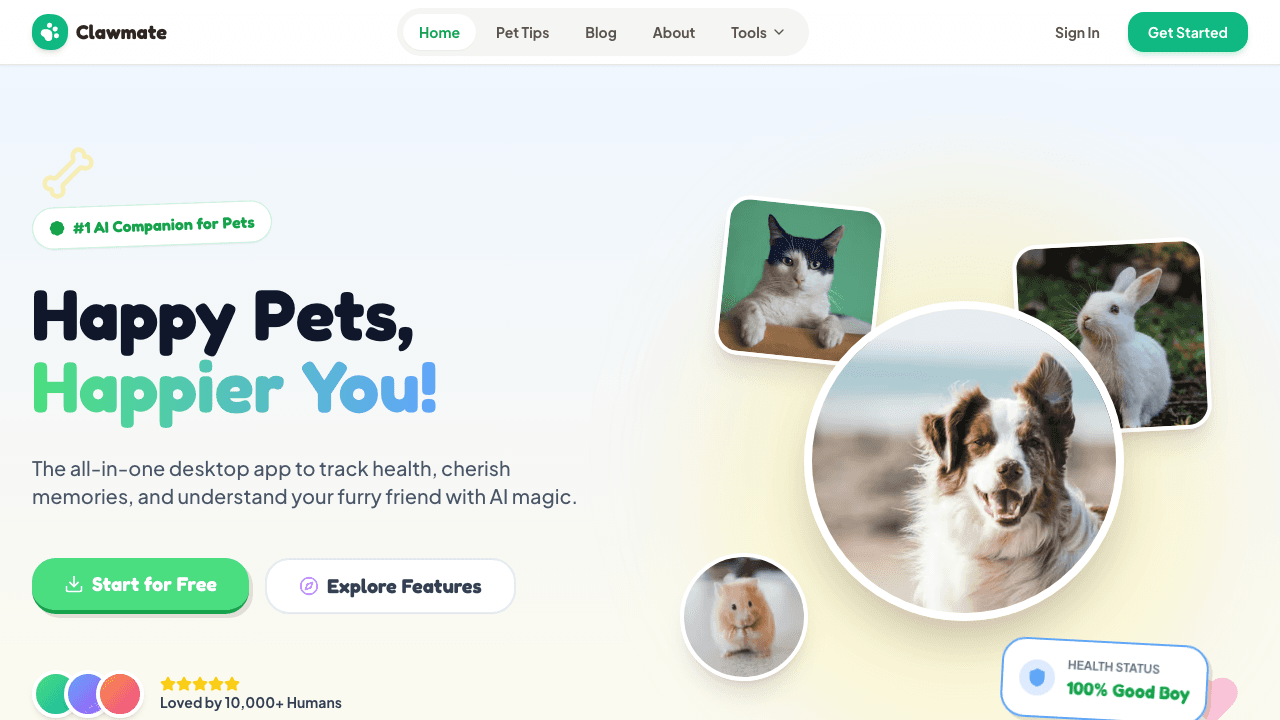
ClawMate
Happy Pets, Happier You!
Learn more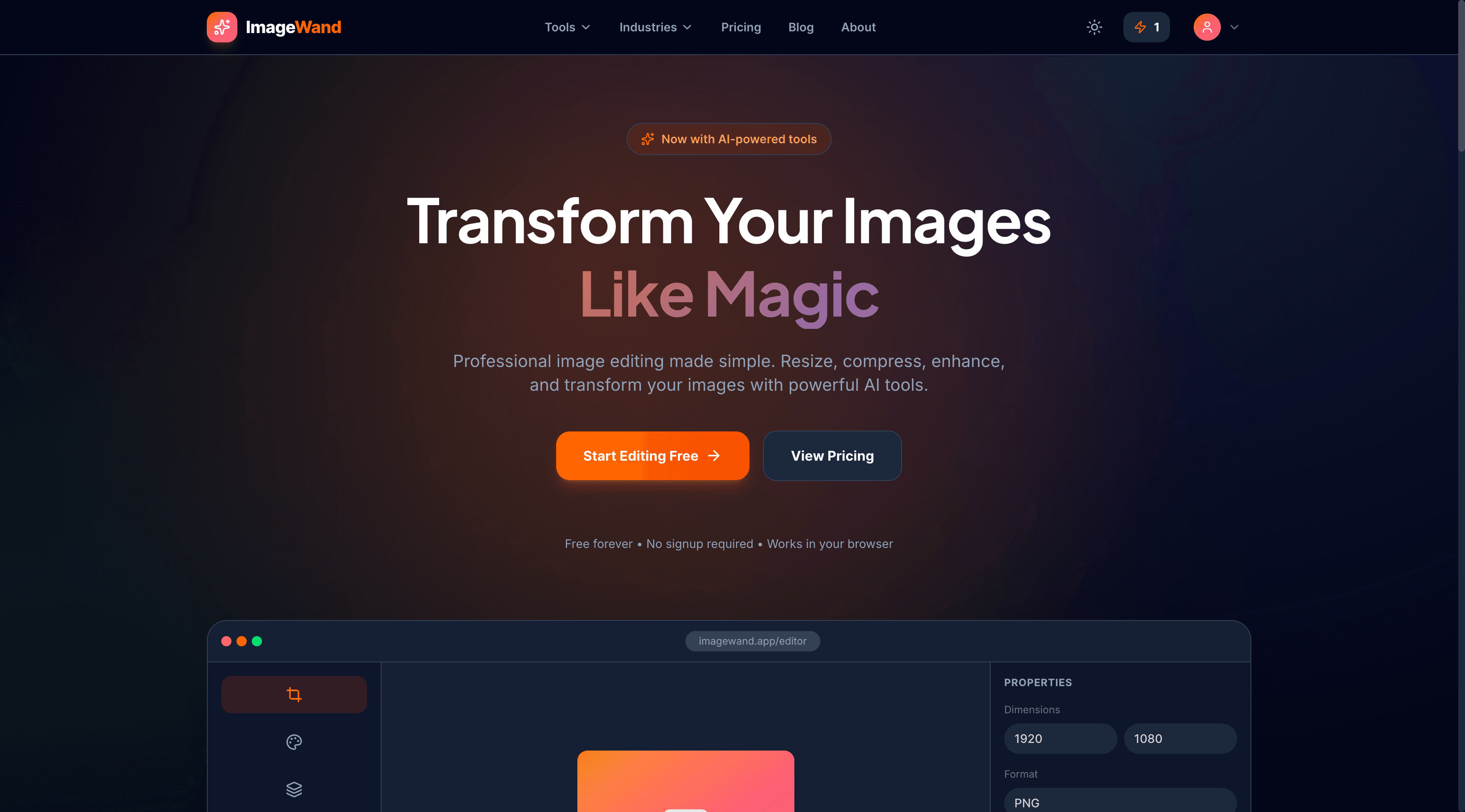
ImageWand
Transform Your Images Like Magic
Learn more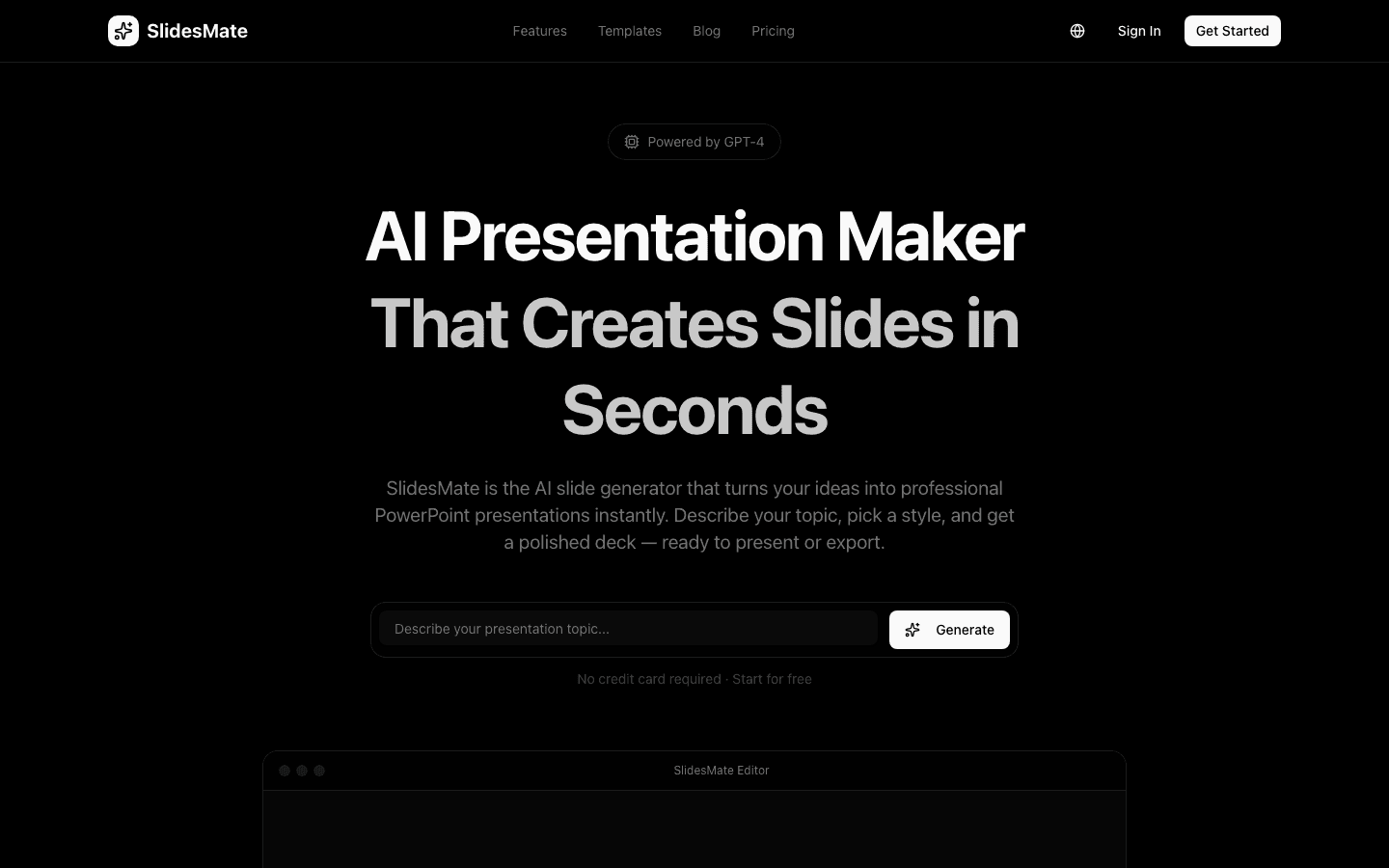
SlidesMate
AI Presentation Maker That Creates Slides in Seconds
Learn more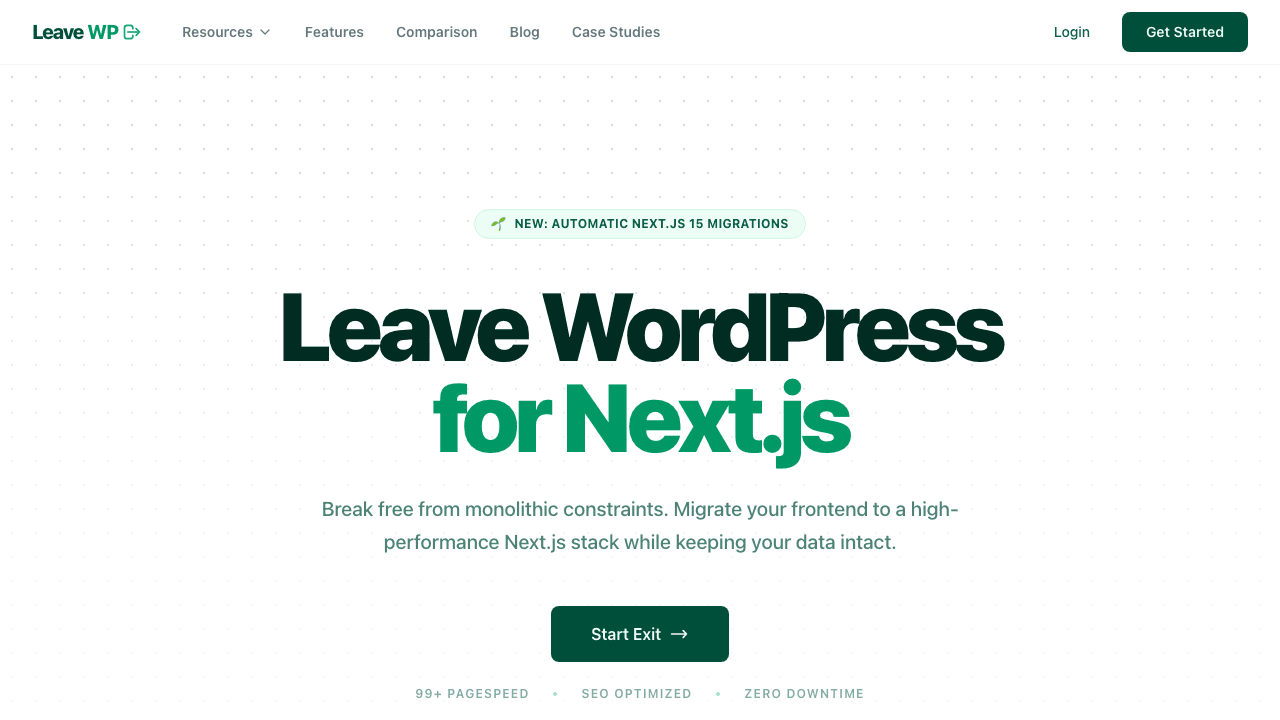
LeaveWP
Leave WordPress for Next.js
Learn more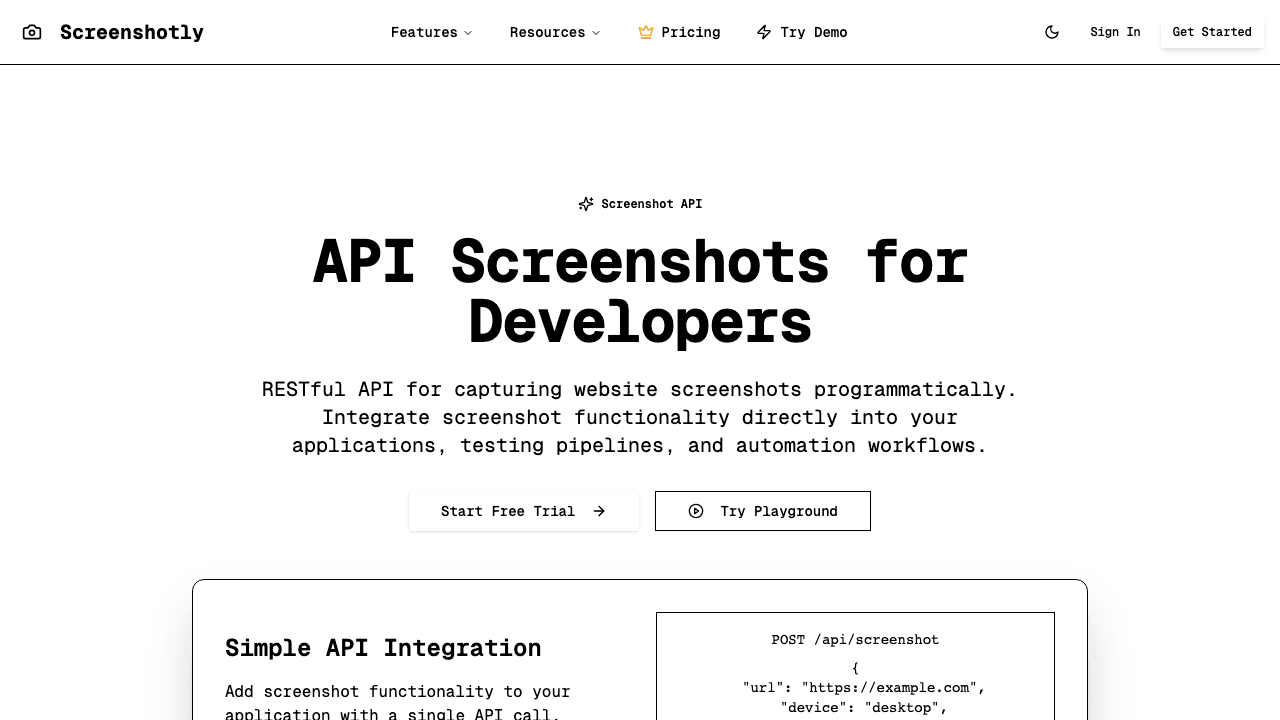
Screenshotly
Screenshot API for Developers
Learn more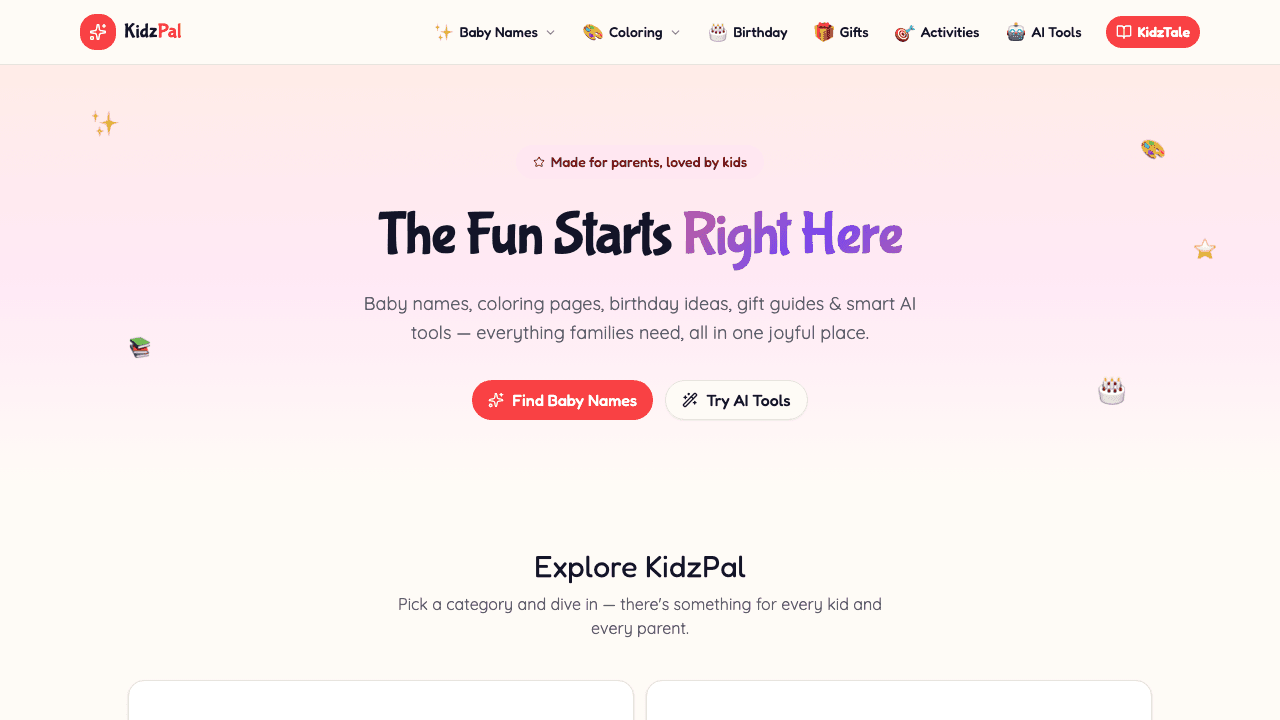
KidzPal
Baby Names, Coloring Pages, Activities & More for Kids
Learn more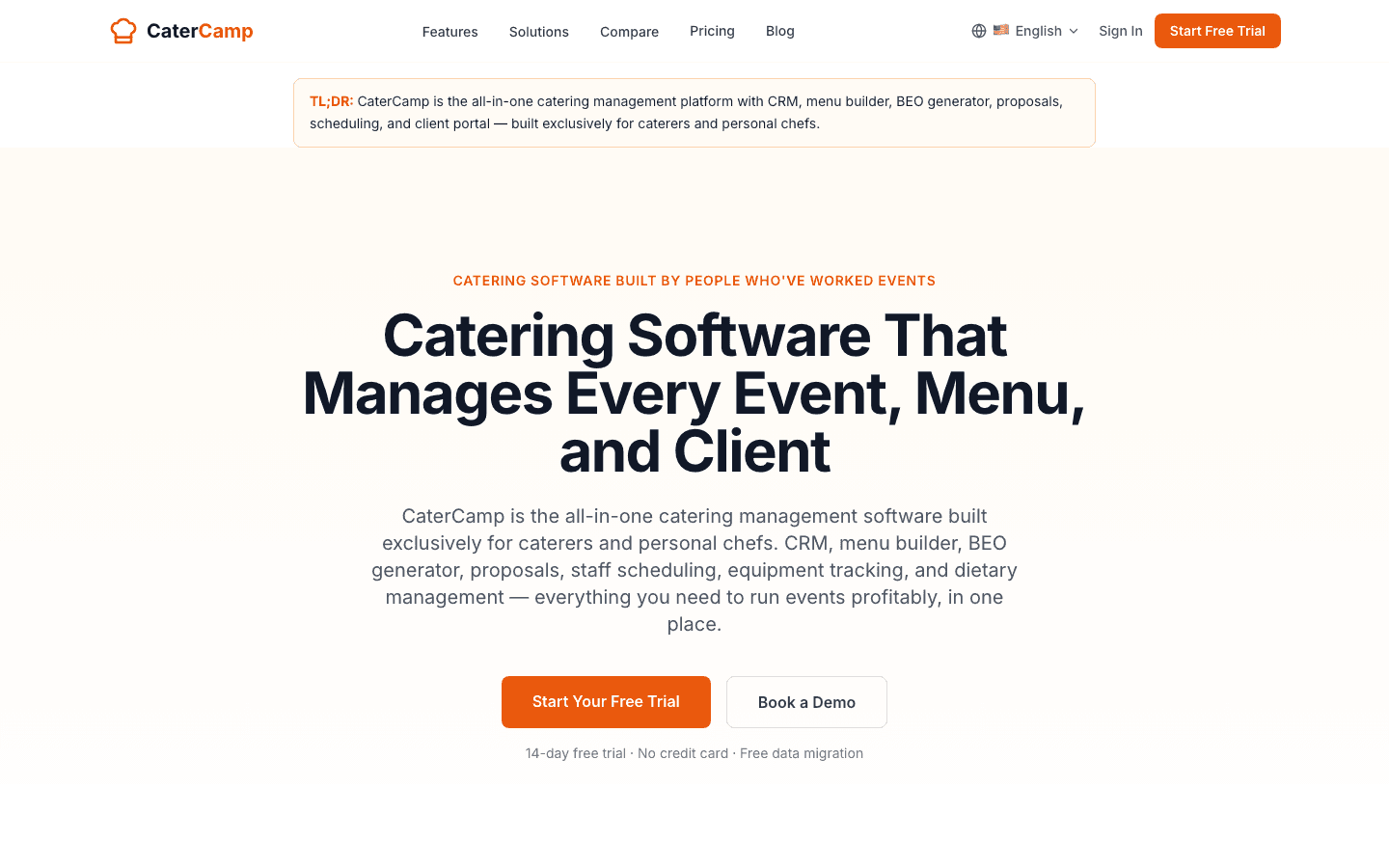
CaterCamp
All-in-One Catering Management Platform
Learn more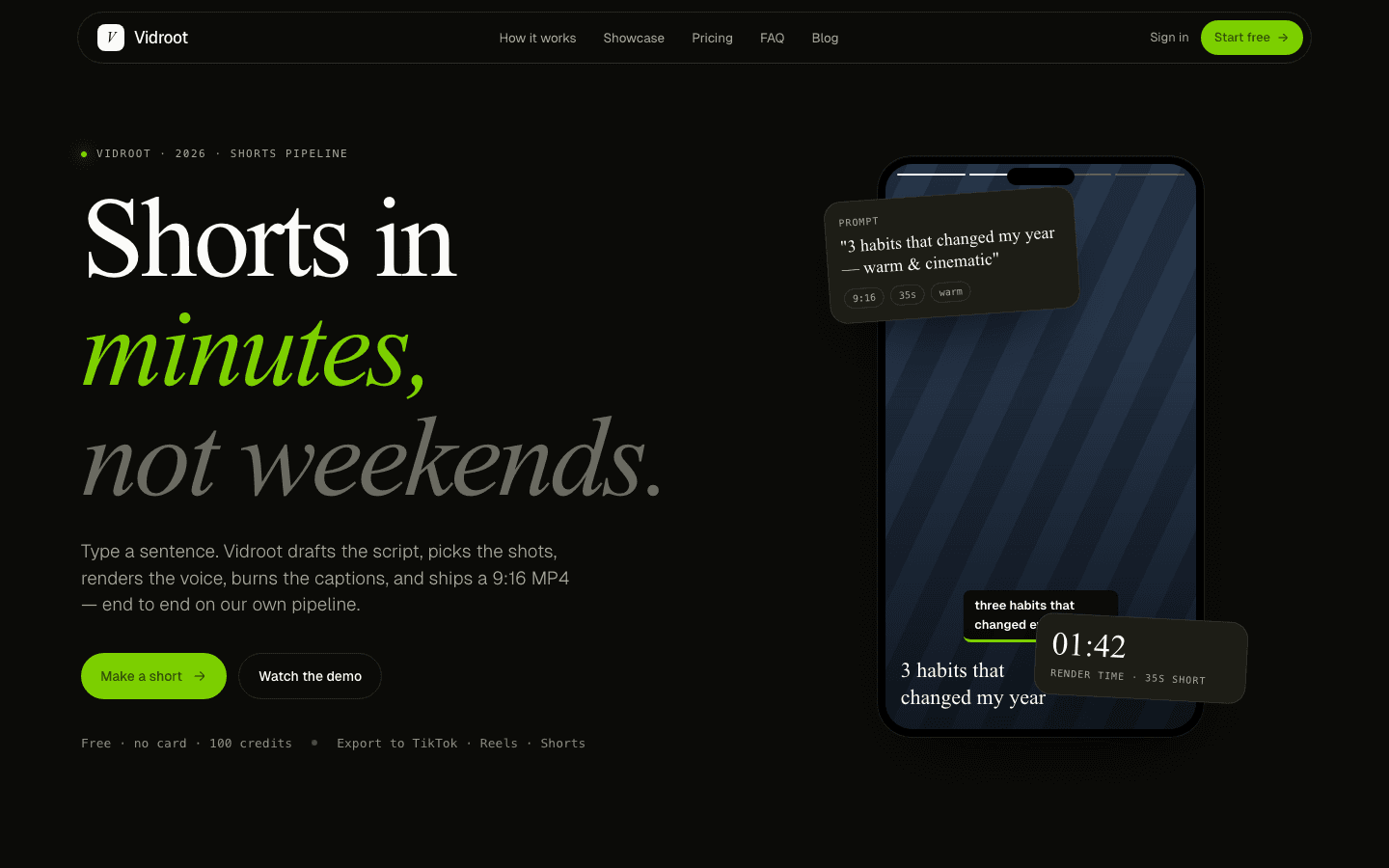
Vidroot
Shorts in minutes, not weekends
Learn more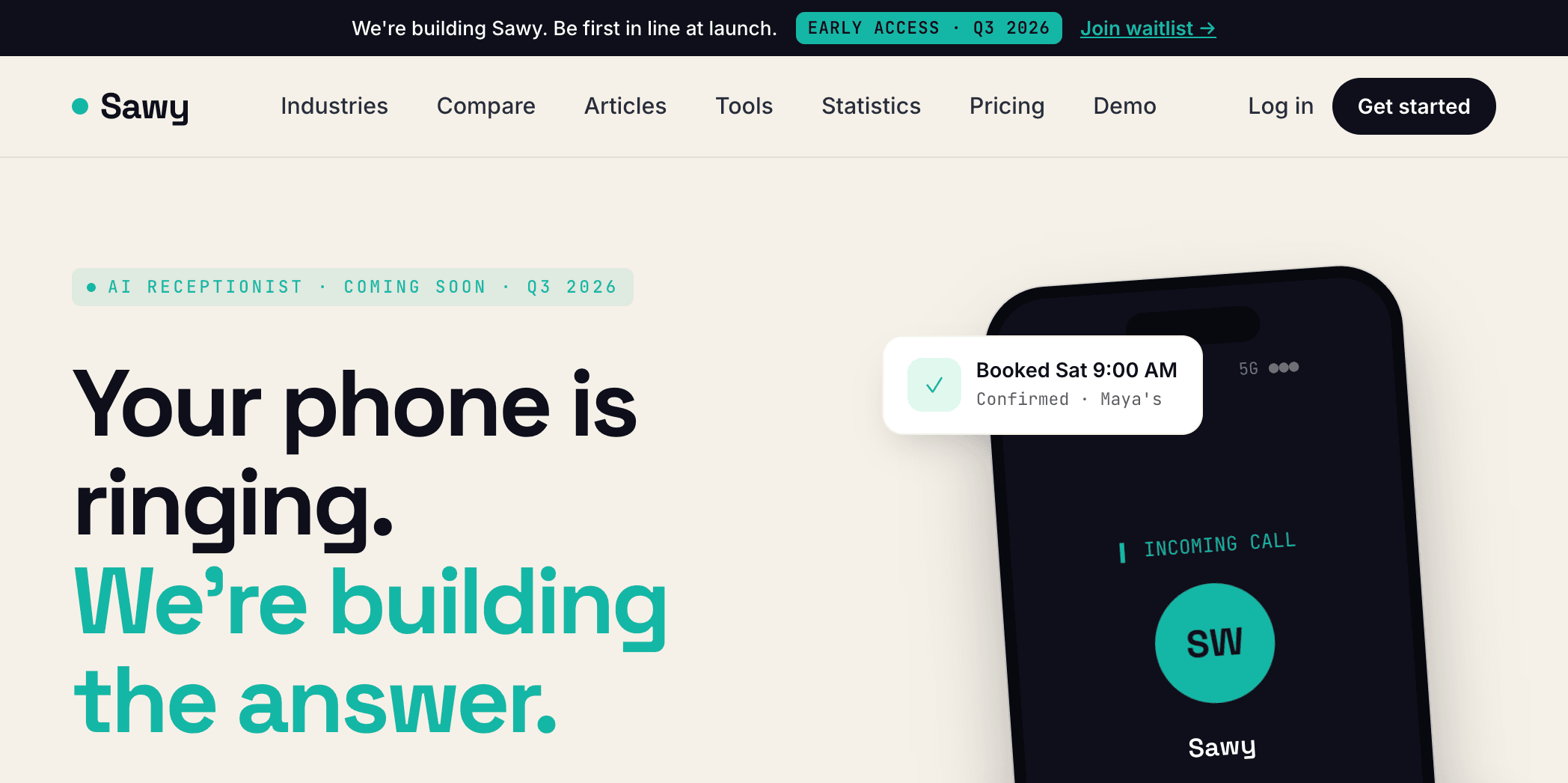
Sawy
AI Receptionist for Small Businesses
Learn more
Vozah
Practice Sales Calls With AI — Score, Improve, Close More Deals
Learn more
PromoterKit
AI-Powered Affiliate Management for SaaS
Learn more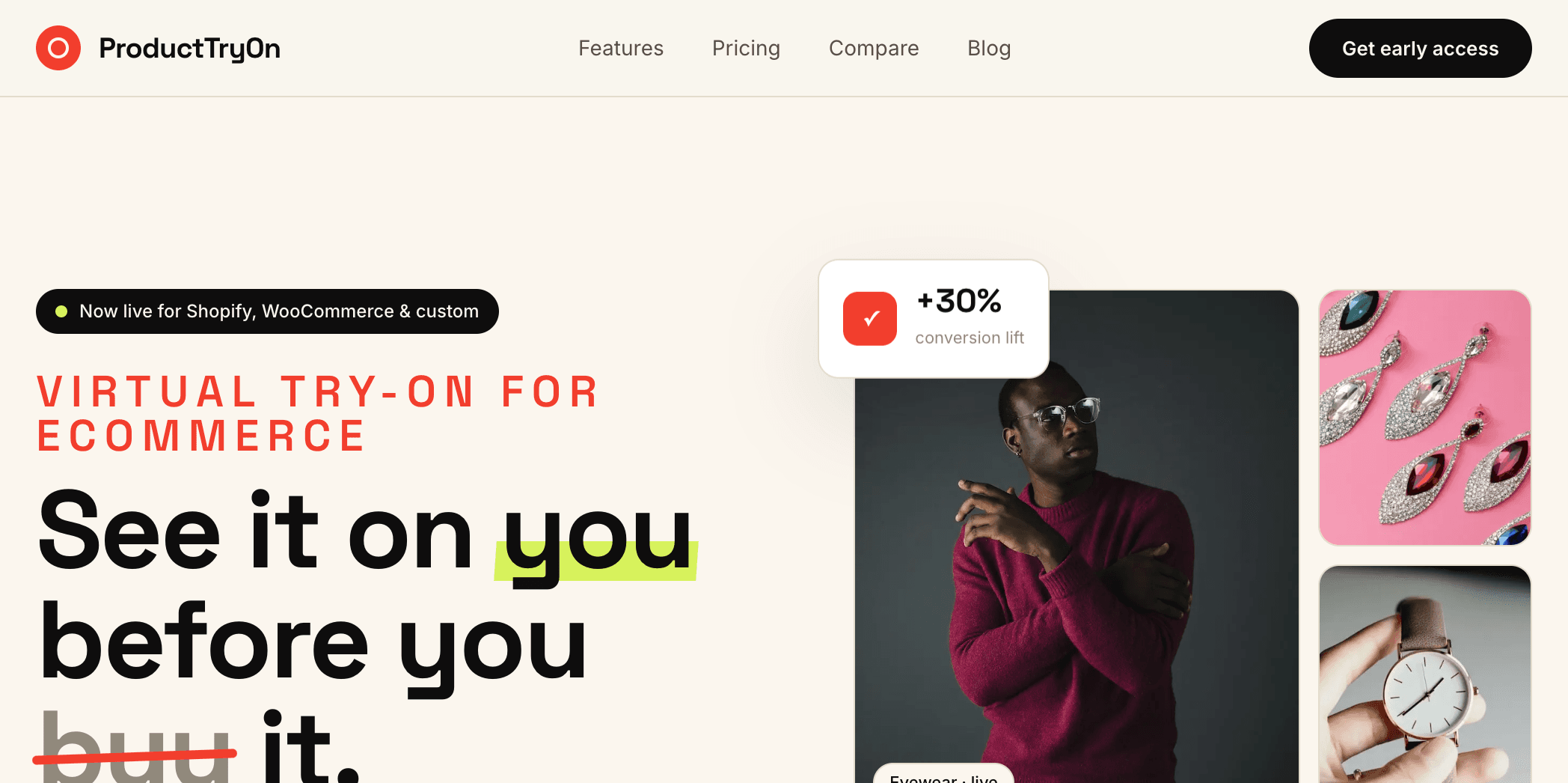
ProductTryOn
Virtual Try-On for Ecommerce — See It On You Before You Buy It
Learn moreBeveled vs. alternatives
Honest side-by-side on who each alternative actually fits, with real pricing and the biggest trade-off.
| Alternative | Best For | Pricing | Biggest Gotcha |
|---|---|---|---|
| CleanShot X (macOS) | Mac power users who want capture + annotation + light beautify in one native app | $29 one-time (Setapp subscription $9.99/mo includes it) | macOS only — Windows, Linux, and ChromeOS users are out. Beautify is secondary to capture/annotate; background gradients are fewer. |
| Screely / Shots.so | Designers who want a fast online screenshot mockup with gradient backgrounds | Screely free tier + $5/mo Pro; Shots.so free tier + Pro $4/mo | Closed source and hosted-only — cannot self-host or inspect the code. Limited extension-level workflow integration. |
| Figma + a gradient background layer | Designers already in Figma every day who want full control over the polish | Figma free tier or $15/editor/mo; ~5 minutes per screenshot | Slow for batch polishing. Every screenshot is a manual canvas — no one-click Chrome extension workflow. |
| DIY self-host of the Beveled OSS repo | Teams that want the exact Beveled UX on their own infra with custom branding | Free code + ~$10/mo hosting (Vercel/Netlify) + 4–8 hours to brand and deploy | You own the deployment, auth (if added), and any future feature merges from upstream. Forks drift from the main repo fast. |
When Beveled pays for itself
Beveled is free to use, so the dollar math is simple — any beautification beats $0. The interesting break-even is the time comparison: beautifying a screenshot in Beveled takes ~10–15 seconds via the Chrome extension, versus 2–5 minutes in Figma or Photoshop. A developer publishing 10 docs or social screenshots a month saves roughly 20–40 minutes/month on the polish step — that is $30–$60/mo in time value at a $90/hr loaded rate, for $0 out of pocket. For teams that want full brand control, self-hosting the OSS repo costs ~$10/mo hosting plus 4–8 hours of one-time setup (~$400–$800) — break-even versus a paid tool like CleanShot X ($29 one-time across 10 seats = $290) lands around month 4 once branded usage begins.
Beveled — Frequently Asked Questions
Is Beveled the same as CleanShot X, Shottr, or Raycast?
Different category. CleanShot X and Shottr are macOS native capture-and-annotate apps ($29–$49 one-time). Raycast has a screenshot beautifier extension for Mac. Beveled is a web-based beautifier with a Chrome extension — works on any OS (Windows, ChromeOS, Linux, Mac) and does not require a native install. It focuses specifically on polishing screenshots for docs, social, and marketing, not on capture or annotation.
Is Beveled free?
Yes. Beveled is free to use as a web app and Chrome extension, and the source code is open on GitHub at github.com/iambilalazhar/beveled. You can self-host, fork, or contribute to the project.
Is Beveled a Mac app or native desktop app?
Neither. Beveled is a web app (beveled.app) plus a Chrome browser extension. It runs in the browser using the Canvas API — so it works the same on Mac, Windows, Linux, and ChromeOS, with no installation.
Does Beveled work offline?
The core beautify functions run entirely in your browser via the Canvas API — no screenshot is uploaded to a server. Once the app is loaded, most features work offline. The Chrome extension cached locally will continue working without an active connection for routine beautification.
Can I use Beveled output for commercial work?
Yes. Beveled does not claim rights to the images you beautify — your screenshot remains yours. As open-source software (check LICENSE in the GitHub repo for specifics), you can also use the Beveled code itself in commercial contexts, including self-hosting it for your team.
What is Beveled?
Transform ordinary screenshots into beautiful, professional images with custom backgrounds, shadows, and branding elements.
What problem does Beveled solve?
Screenshots look plain and unprofessional. Beveled transforms them into polished images with custom backgrounds, shadows, and branding — perfect for docs, social media, and presentations.
What technologies power Beveled?
Beveled is built with JavaScript, Chrome Extension, Canvas API, HTML/CSS.
Who built Beveled?
Beveled was built and is operated by ZTABS, a custom software development company. Learn more at https://ztabs.co/products/beveled.
Can ZTABS build something similar for my business?
Yes — we bring the same engineering and product thinking to every client project. Contact us at ztabs.co/contact for a free consultation.
Want Us to Build Something Like Beveled?
We bring the same engineering excellence and product thinking that went into Beveled to every client project. Let's discuss your idea.