We built the AI expense management mobile app (iOS and Android) over 12 weeks: (1) On-device receipt processing: computer vision pipeline running entirely on-device using Core ML (iOS) and TensorFlow Lite (Android). Receipt detection: the camera identifies receipt boundaries in real-time (like a document scanner — guiding the user to align the receipt). Image processing: perspective correction, contrast enhancement, and noise reduction — improving OCR accuracy on faded thermal paper and low-light captures. OCR engine: custom-trained OCR model optimised for receipt formats. The model was trained on 85,000 receipt images across 12 countries (US, UK, Canada, EU countries, Japan, Australia) — covering: printed receipts, thermal paper, handwritten elements, multi-language text, and various receipt layouts (itemised, summary, restaurant, hotel, transport). Field extraction: the model extracts structured data — merchant name, date, total amount, subtotal, tax, tip (for restaurants), individual line items (for itemised receipts), and currency.
For international receipts: currency detected from receipt and conversion applied using current exchange rates. Accuracy: 93.8% overall field extraction accuracy (compared to 72% for incumbent solutions). Thermal paper receipts: 89% (previously the weakest category — specialised training on faded thermal images). International receipts: 91% (12-language support). Processing time: 1.2 seconds average on iPhone 13 (entirely on-device — no network required). Privacy: receipt images never leave the device unless the user explicitly exports. OCR processing runs locally on the Neural Engine. Competitors send receipt images to cloud servers — the startup's on-device processing is a genuine privacy differentiator. (2) Contextual expense categorisation: AI categorisation using multi-signal intelligence, not just merchant name lookup.
Signals: merchant intelligence (business type determined from: merchant name analysis, merchant category code from the card transaction if available, location data — a restaurant near the convention centre during a conference is likely a business meal), calendar context (if the user has a "Client Dinner — Acme Corp" calendar event matching the restaurant expense timing, the categorisation is "Client Entertainment" with auto-populated business purpose and attendee list), travel context (expenses during a business trip — identified from flight/hotel bookings in the system — automatically categorised as travel-related), spending patterns (the user always categorises Uber from the airport as "Ground Transport — Business Travel" — the AI learns and auto-categorises future similar expenses), and team intelligence (the user's team typically uses certain vendors for certain purposes — the AI learns team patterns). Categorisation accuracy: 91% automatic (user confirms or corrects — corrections feed into the model).
Compared to incumbent 71% merchant-name-based categorisation. Personal vs. business: the AI flags likely personal expenses (weekend restaurant without a calendar event, personal shopping merchants) — asking the user to confirm rather than auto-categorising as business. (3) Real-time policy compliance: policy engine runs on-device, checking every expense against the company's configured policy before submission. Pre-capture guidance: when the user opens the camera to capture a receipt, the app shows relevant policy limits based on context (e.g., "Dinner limit: $150 (group) / $75 (individual)"). During capture: after receipt processing, the app immediately indicates: green (within policy — submit with one tap), yellow (near limit or missing information — e.g., "Business purpose required for meals over $25" — prompting the user to add the information before submission), and red (policy violation — e.g., "Individual meal exceeds $75 limit" — the user can submit with justification, which routes to manager for exception approval).
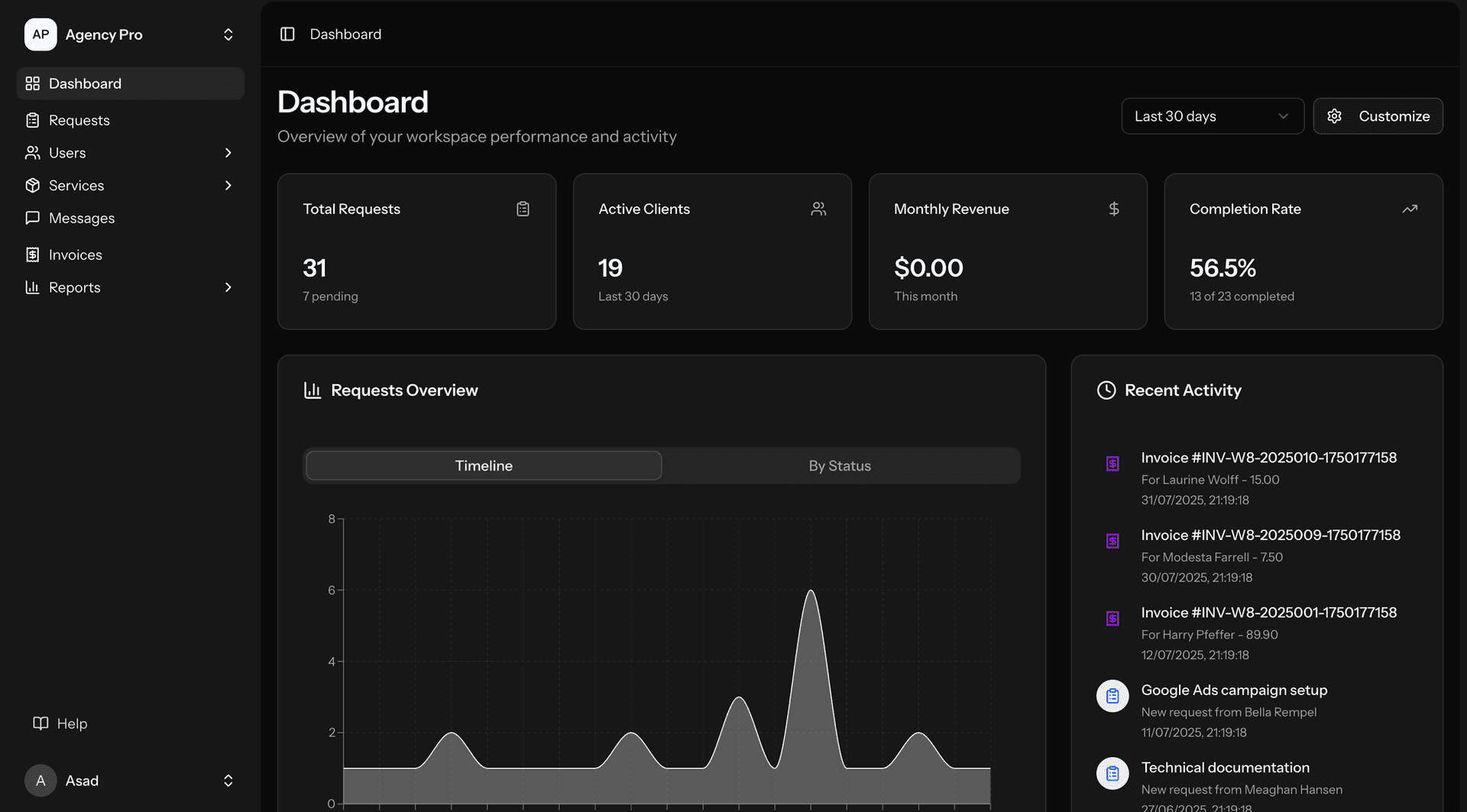
Pre-approval workflow: expenses exceeding $500 trigger pre-approval request before the expense is incurred (from calendar and travel booking context — the app predicts upcoming high-value expenses and initiates pre-approval proactively). Rejected expense rate: clients using the app saw rejected expenses decrease from 18% to 3% (employees submitted compliant expenses the first time — rather than finding out weeks later that their expense was rejected). (4) Design and UX: the app designed to Bay Area consumer-app standards. Core interaction: photograph receipt, review AI-extracted data (pre-populated fields with AI categorisation), confirm with one tap. Total interaction for a compliant expense: 8 seconds (capture to submission). Dashboard: real-time spending visibility (how much of monthly budget used, category breakdown, pending reimbursements). No "enterprise" feeling — the design language matches consumer fintech apps (clean typography, subtle animations, satisfying haptic feedback on submission). Dark mode: full dark mode support (Bay Area users expect it).
Widget: iOS widget showing monthly spend summary and quick-capture shortcut. Apple Watch: quick receipt capture and expense approval from Watch. (5) Cloud AI for advanced features: while receipt processing and categorisation run on-device, advanced features use cloud AI: receipt email extraction (forwarded receipt emails — hotel confirmations, flight bookings, Uber receipts — processed by cloud AI to extract expense data and auto-create expense entries), monthly expense analysis (AI-generated spending insights — identifying saving opportunities, vendor consolidation suggestions, and budget trend analysis), and natural language search ("show me all client dinners in Q3" — natural language querying of expense data). (6) CCPA and SOC 2: CCPA — personal expense data (names, locations, spending patterns) documented in privacy policy. Consumer rights architecture: data export, deletion, and opt-out of AI profiling. On-device processing provides strongest privacy protection — receipt images never transmitted.
SOC 2 — mobile app within SOC 2 scope: encrypted data at rest (Keychain/Keystore), certificate pinning for API communication, audit logging, and RBAC for enterprise features.