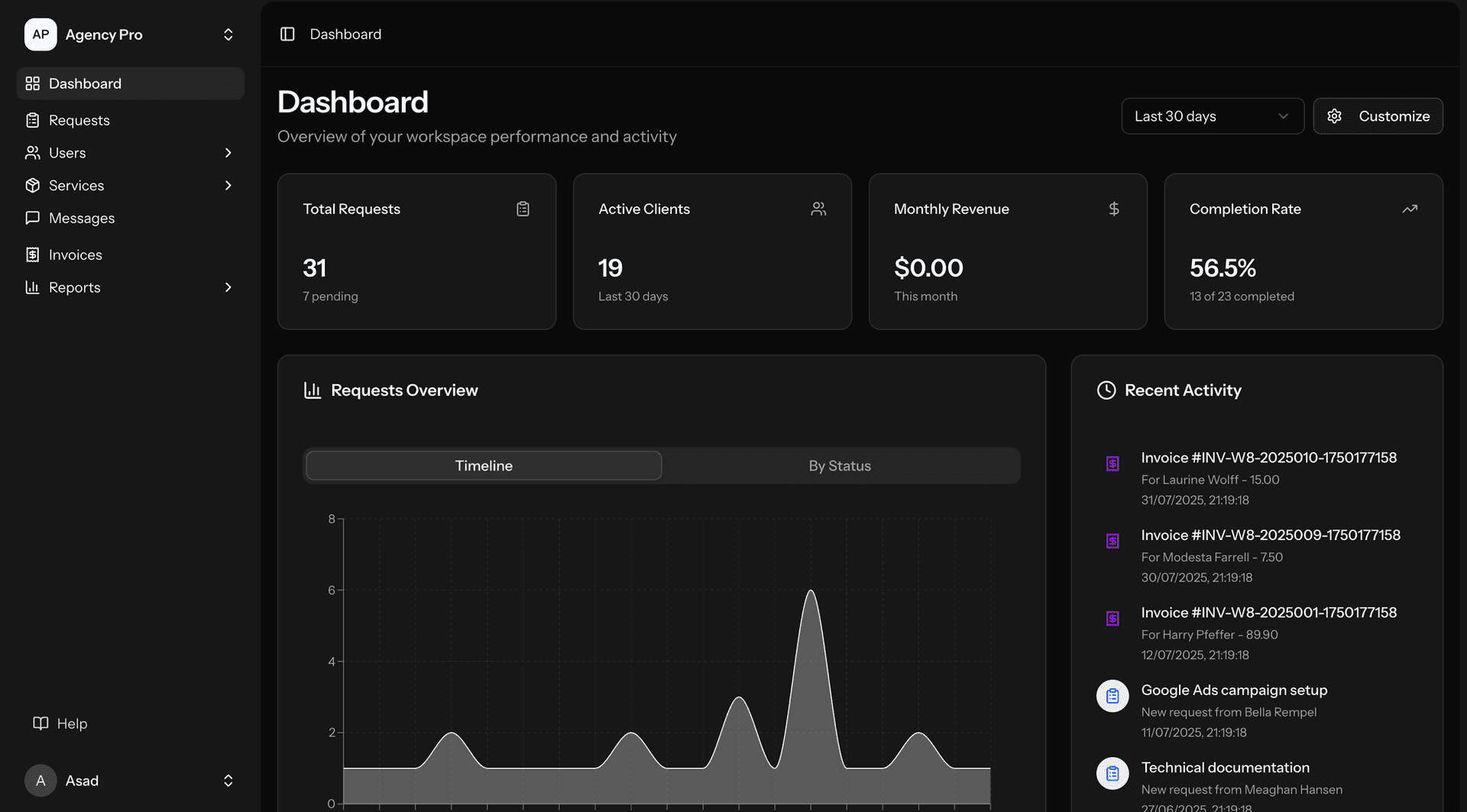
Los Angeles UI/UX design demand spans mobility, streaming, fintech, wellness, and enterprise applications. Mobility UX Design: ride-hailing and transportation apps (UX design for ride-hailing, transit, and multimodal transportation — for LA: mobility UX must solve the "in-motion" design challenge — users interact with mobility apps while walking, waiting, and sometimes driving (despite safety warnings) — the interface must be glanceable (key information visible at a glance without reading), tap-friendly (large touch targets for use while walking or with one hand), and situationally aware (adapting to the user's context — showing relevant information based on whether they're requesting a ride, waiting for pickup, or in transit) — LA mobility UX also must handle the geographic challenge — maps must be clear at LA scale (showing a trip from Santa Monica to downtown — 15 miles but potentially 60+ minutes) — ETAs must be transparent about traffic impact, and fare estimates must account for surge pricing during LA rush hours), parking and EV charging (UX for parking and EV charging apps — for LA: parking UX must solve the "last mile" problem — drivers know roughly where they're going but need help finding parking at the destination — the UX must show real-time parking availability, pricing, and walking distance from parking to destination — for EV charging: the UX must communicate charger availability, charger type (Level 2 vs. DC Fast), pricing, and estimated charge time — LA EV drivers report "charger anxiety" — the UX must build confidence that the charger will be available and working when the driver arrives), and multimodal journey planning (UX for apps that combine multiple transportation modes — car + Metro + walking, or bike + train + ride-hail — for LA: multimodal UX must make mode-switching simple — showing the full journey with clear handoff points ("Drive to North Hollywood Metro station — 12 min. Take Red Line to Union Station — 18 min. Walk to office — 6 min.") — total time, total cost, and step-by-step guidance across modes — the UX challenge is presenting complex, multi-step journeys in a way that feels simple and achievable)). Streaming UX Design: content discovery (UX for helping subscribers find content — browse interfaces (genre rows, curated collections, trending lists), search (title, actor, director, genre, mood search), and recommendation displays (personalized suggestions, "because you watched" rows, percentage match scores) — for LA streaming: content discovery UX has been extensively A/B tested by Netflix, Disney+, and other services — the industry has converged on some patterns (horizontal scrollable rows, large hero units for promoted content, autoplay previews) but continues to innovate on personalization display and mood-based browsing — new streaming services must meet these established UX standards while finding their own distinctive design voice), playback experience (UX for the video playback experience — player controls (play/pause, seek, volume, subtitles, audio tracks, picture quality), binge-watching features (auto-play next episode, skip intro, episode summaries), and multi-device experience (starting on TV, continuing on phone, switching to tablet) — for LA streaming: playback UX must be invisible when everything works (the user focuses on content, not controls) and immediately helpful when something goes wrong (buffering indicator, quality adjustment, error messaging) — the best playback UX disappears into the content experience), and profile and personalization (UX for user profiles, preferences, and personalization settings — profile management (multiple profiles per account, kids profiles, PIN protection), viewing preferences (autoplay settings, audio/subtitle defaults, maturity ratings), and discovery preferences (genre preferences, "not interested" functionality, watchlist management) — for LA streaming: profile UX must handle the household reality — multiple family members sharing an account, each with different tastes and maturity requirements — the UX must make profile switching frictionless while keeping profiles meaningfully distinct)). Fintech UX Design: account management (UX for digital banking and financial account management — dashboard design (showing account balances, recent transactions, and actionable insights at a glance), transaction history (searchable, filterable, categorized transaction lists with clear visual hierarchy), and money movement (transfer initiation, payment scheduling, and recipient management) — for LA fintech: account management UX must communicate clarity and control — users must feel confident they understand their financial position — ambiguity in financial UX (unclear balances, confusing transaction descriptions, hidden fees) destroys trust — we design financial dashboards that answer the user's primary question ("How much money do I have?") within 1 second of opening the app), lending and credit (UX for loan applications, credit products, and payment plans — application flow (progressive disclosure of application requirements, real-time eligibility feedback, document upload), offer presentation (clear display of terms — APR, monthly payment, total cost — with comparison tools), and repayment management (payment scheduling, balance tracking, payoff projections) — for LA fintech: lending UX must comply with TILA disclosure requirements while remaining clear and non-overwhelming — we design disclosure presentations that meet regulatory requirements while using visual hierarchy, progressive disclosure, and plain language to ensure users actually understand the terms — "This loan costs you $4,523 in interest over 36 months" is clearer than a table of regulatory disclosures), and payment and transfer (UX for peer-to-peer payments, bill payments, and money transfers — recipient management (saved recipients, contact integration, QR codes), payment initiation (amount entry, note/memo, scheduling), and confirmation and receipt (clear confirmation of payment details before execution, immediate receipt after execution) — for LA fintech: payment UX must prevent errors — sending money to the wrong person is the most feared fintech error — we implement multiple confirmation steps for new recipients, visual recipient verification (showing name, photo, last 4 of account), and easy cancellation for pending payments)). Wellness and Health UX Design: health and fitness apps (UX for wellness applications — workout interfaces (exercise instruction display, timer/rep counting, progress visualization), nutrition tracking (food logging, macro/micro tracking, meal planning), and health monitoring (vital signs display, trend visualization, goal tracking) — for LA wellness: wellness UX must motivate — LA's fitness culture means that wellness apps compete not just with other apps but with in-person fitness experiences (the energy of a studio class, the motivation of a personal trainer) — the UX must create engagement and motivation through progress visualization, achievement celebration, community features, and personalized guidance that keeps users coming back), and telehealth platforms (UX for telehealth and virtual care — appointment booking (provider search, availability display, booking flow), virtual visit (video/audio interface, screen sharing for showing symptoms, secure messaging), and follow-up (prescription management, lab results display, care plan tracking) — for LA healthcare: telehealth UX must work for LA's diverse patient population — multilingual support (at minimum English and Spanish, ideally with additional language support), accessibility for older patients (larger text, simpler navigation, clear audio/video controls), and trust signals (provider credentials, institutional affiliation, patient reviews) that overcome the skepticism some patients feel about receiving medical care through a screen)).