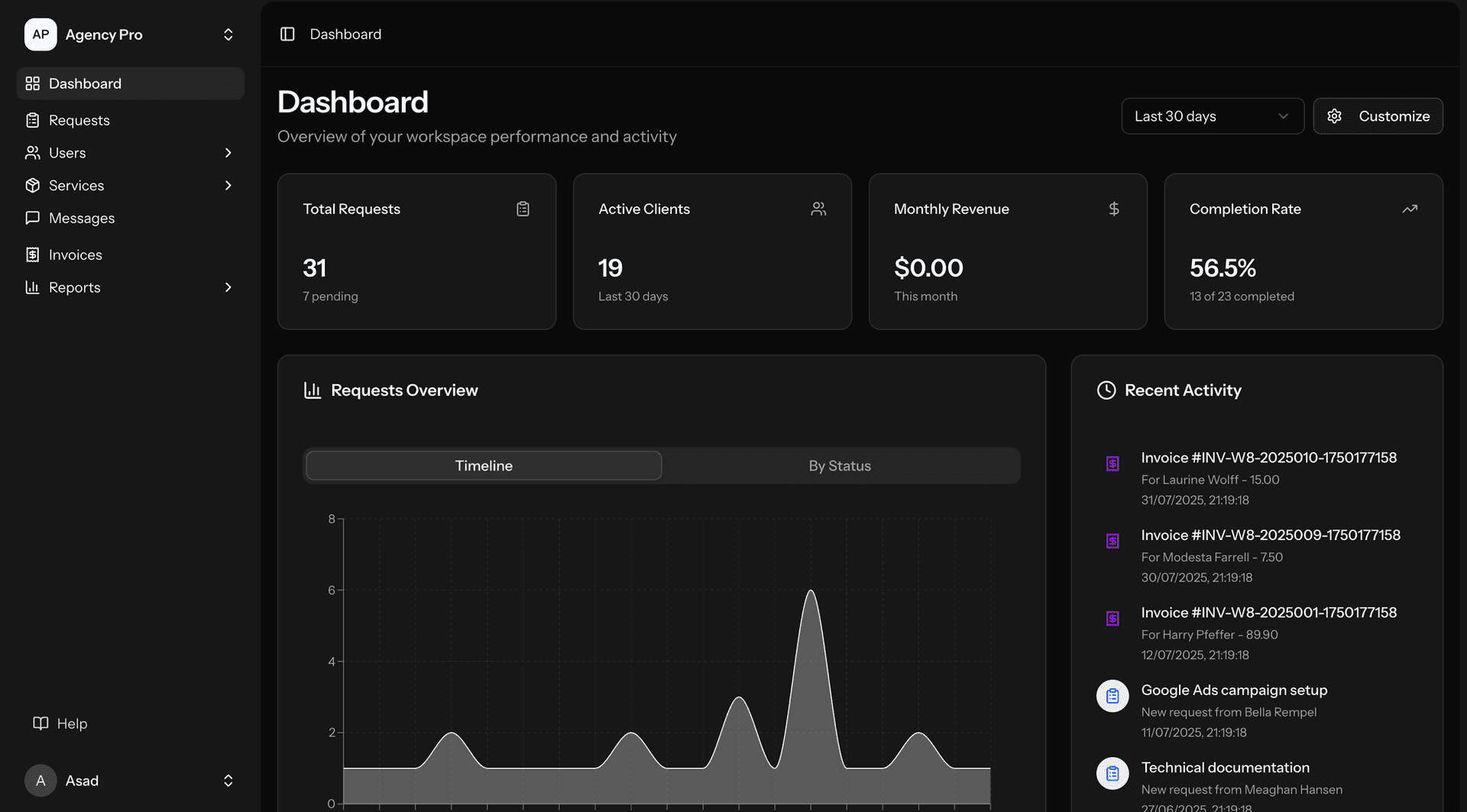
Chicago's UI/UX design demand spans insurance, manufacturing, healthcare, and financial services. Insurance UX: underwriting and claims workstations. Insurance UX applications: carrier platform design. Insurance features: underwriting workstation design (redesigning the underwriter's primary work environment — submission review, risk assessment, pricing, and quote generation. Underwriting UX challenge: underwriters currently navigating 15-25 screens to process a single submission. UX goal: reducing to a single-screen dashboard with contextual detail panels — all critical information visible at once with drill-down for detail. The redesign: measuring success by time-per-submission reduction, not by aesthetic improvement), claims adjuster interface (redesigning the claims processing workflow — FNOL capture, investigation management, reserve setting, and payment processing. Claims UX: guided workflow that adapts to claim type and complexity — simple auto PD claims following a streamlined path while complex liability claims providing expanded investigation tools), agent and policyholder portals (designing the digital experiences for distribution partners and policyholders — quoting, policy management, claims reporting, and account administration. Portal UX: consumer-grade usability for professional users — agents expect Salesforce-level UX, policyholders expect banking-app-level simplicity), and dashboard and analytics design (insurance analytics dashboards — loss ratio trending, portfolio composition, claims development, and underwriting performance. Analytics UX: actionable dashboards where every chart answers a specific business question with drill-down to underlying data)). Manufacturing UX: operator and manager interfaces. Manufacturing UX applications: factory floor and operations design. Manufacturing features: operator interface design (shop floor interfaces for production operators — digital work instructions, quality recording, and production tracking on tablets. Operator UX: designed for gloved operation with large touch targets (minimum 48px), high contrast (WCAG AAA compliance), minimal text input (selection-based interaction wherever possible), and clear status indication (colour-coded production status visible from 3 metres)), production dashboard design (real-time production visibility — OEE, output rates, quality rates, and machine status displayed for plant managers and supervisors. Dashboard UX: information hierarchy designed for the "glance test" — the most critical metric visible in 2 seconds, trending visible in 5 seconds, and detail available on interaction), quality inspection interface (quality data recording and analysis — inspection results, nonconformance documentation, and CAPA tracking. Quality UX: designed for accuracy — preventing data entry errors through validation, defaults, and guided flows. The quality interface: directly impacting product quality because poor UX leads to shortcuts that compromise quality recording)), and maintenance request interface (mobile maintenance request submission — equipment problem reporting, work order tracking, and spare parts requesting from the factory floor. Maintenance UX: photo capture, voice-to-text problem description, and location-aware equipment identification — reducing friction to encourage maintenance request submission)). Healthcare UX: clinical and patient interfaces. Healthcare UX applications: clinical workflow and patient engagement. Healthcare features: clinical workflow design (physician and nurse interfaces for clinical documentation, order entry, and patient management. Clinical UX: designed to minimise clicks and documentation time — every unnecessary click is time taken from patient care. Clinical UX success metric: documentation time per encounter, not satisfaction scores), patient portal and app design (appointment scheduling, telehealth, lab results, and prescription management. Patient UX: accessible design (elderly patients, patients with visual or cognitive impairments), multi-language support, and health literacy-appropriate content presentation), clinical decision support UX (alert design that avoids alert fatigue — tiered alerting with severity-appropriate presentation, contextual information enabling rapid clinical assessment, and easy dismissal of non-critical alerts. CDS UX: the most safety-critical UX challenge in healthcare because alert fatigue leads to clinicians dismissing all alerts, including safety-critical ones)), and patient intake and registration (digital check-in, insurance verification, and health history collection. Intake UX: reducing waiting room time and front desk burden through patient-friendly digital forms with insurance card photo capture and medical history import)). Financial UX: trading and analytics platforms. Financial UX applications: performance-critical interfaces. Financial features: trading workstation design (multi-panel trading interfaces — market data, order entry, position management, and risk monitoring displayed simultaneously. Trading UX: maximising information density while maintaining usability — enabling traders to process information and execute trades at speed), risk dashboard design (portfolio risk visualisation — Greeks, P&L attribution, stress test results, and position limits displayed for risk managers. Risk UX: enabling rapid identification of risk concentrations and limit breaches through effective data visualisation), and analytics interface design (quantitative analysis tools for researchers and analysts — data exploration, model development, and backtesting interfaces. Analytics UX: balancing the flexibility that quantitative analysts require with the usability that enables productive analysis)).